¶ Visualiser User Guide
Welcome to the Visualiser. The tool allows you to analyse human expressed emotion through video and data files.

Creating An Account
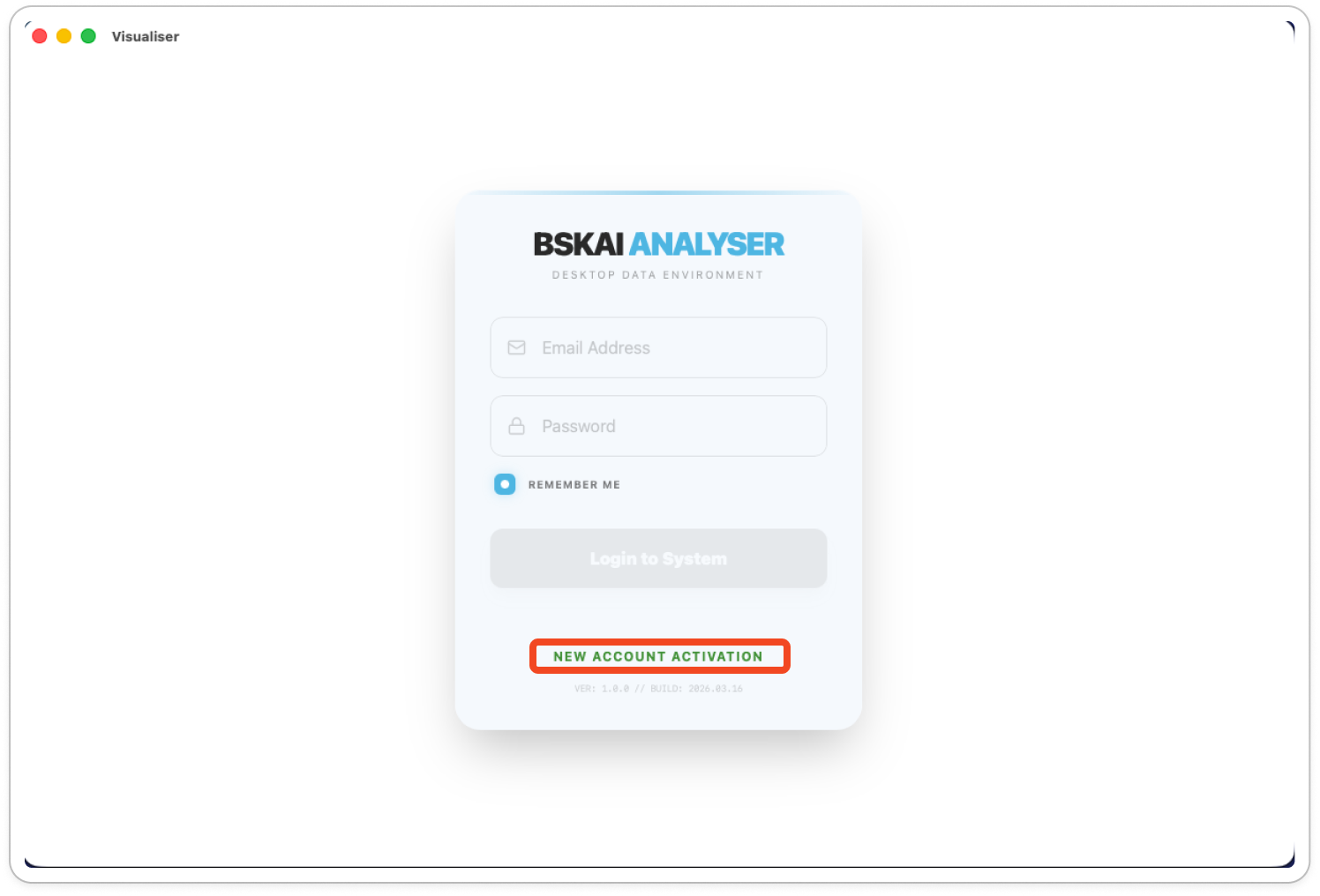
- Open the application and click New Account Activation.
- Enter a valid email address and create a secure password.
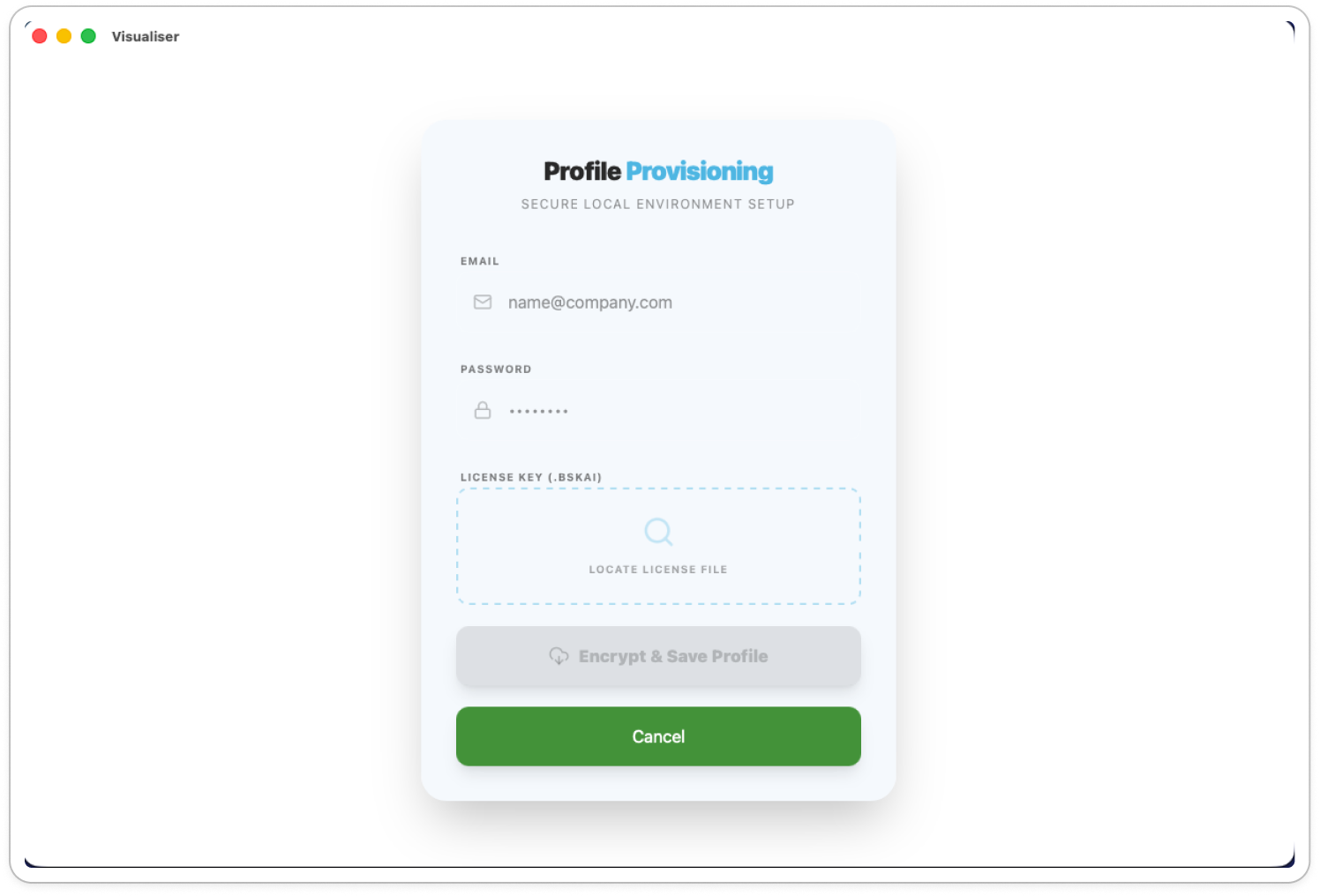
- Click Locate License File to upload the license key provided to you by the Blueskeye team.
If you do not have a license key, please contact the blueskeye team for support.
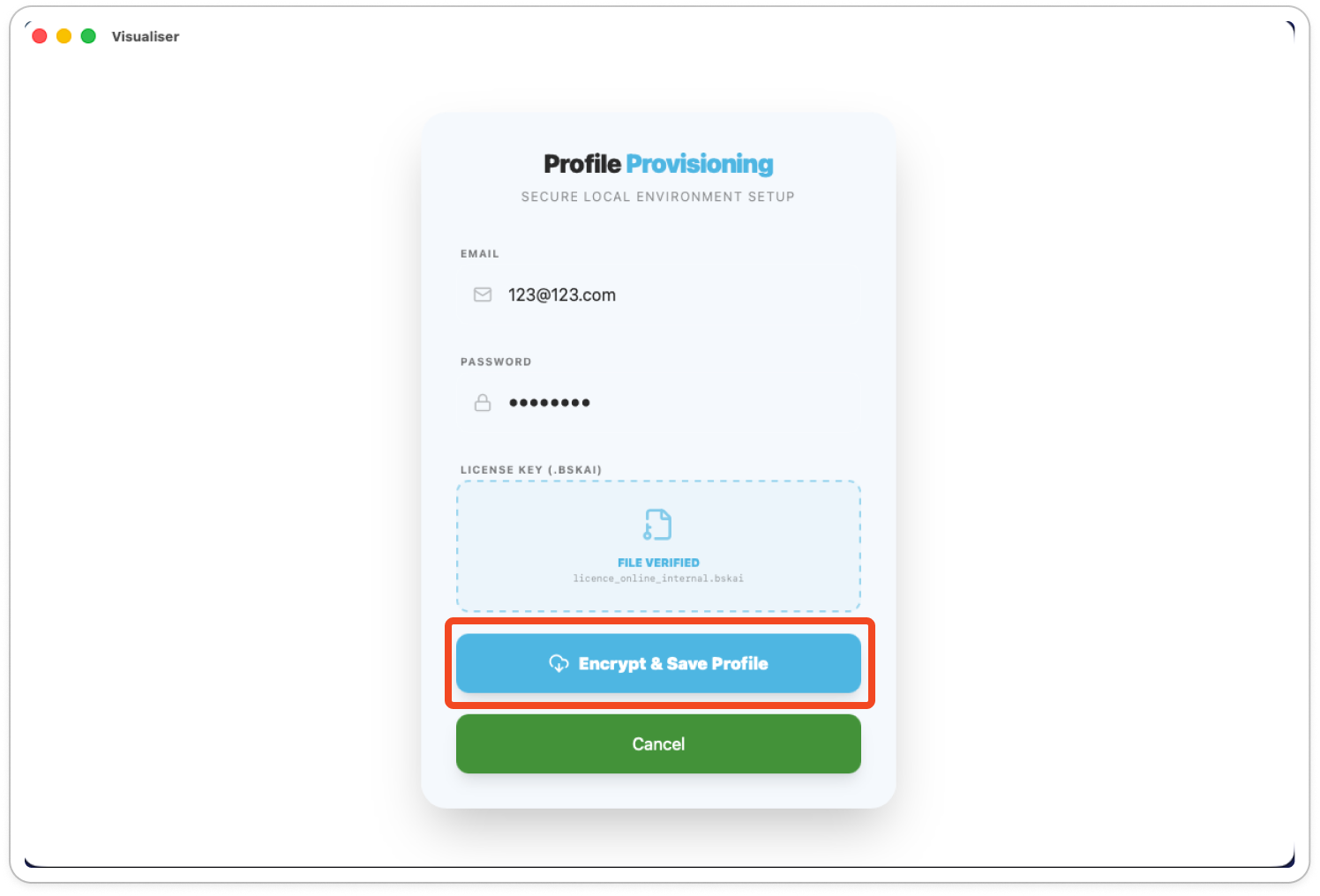
- Click Encrypt & Save Profile. You will be redirected to the login screen.

Login
-
Enter your registered email and password.
-
Click Login to System.
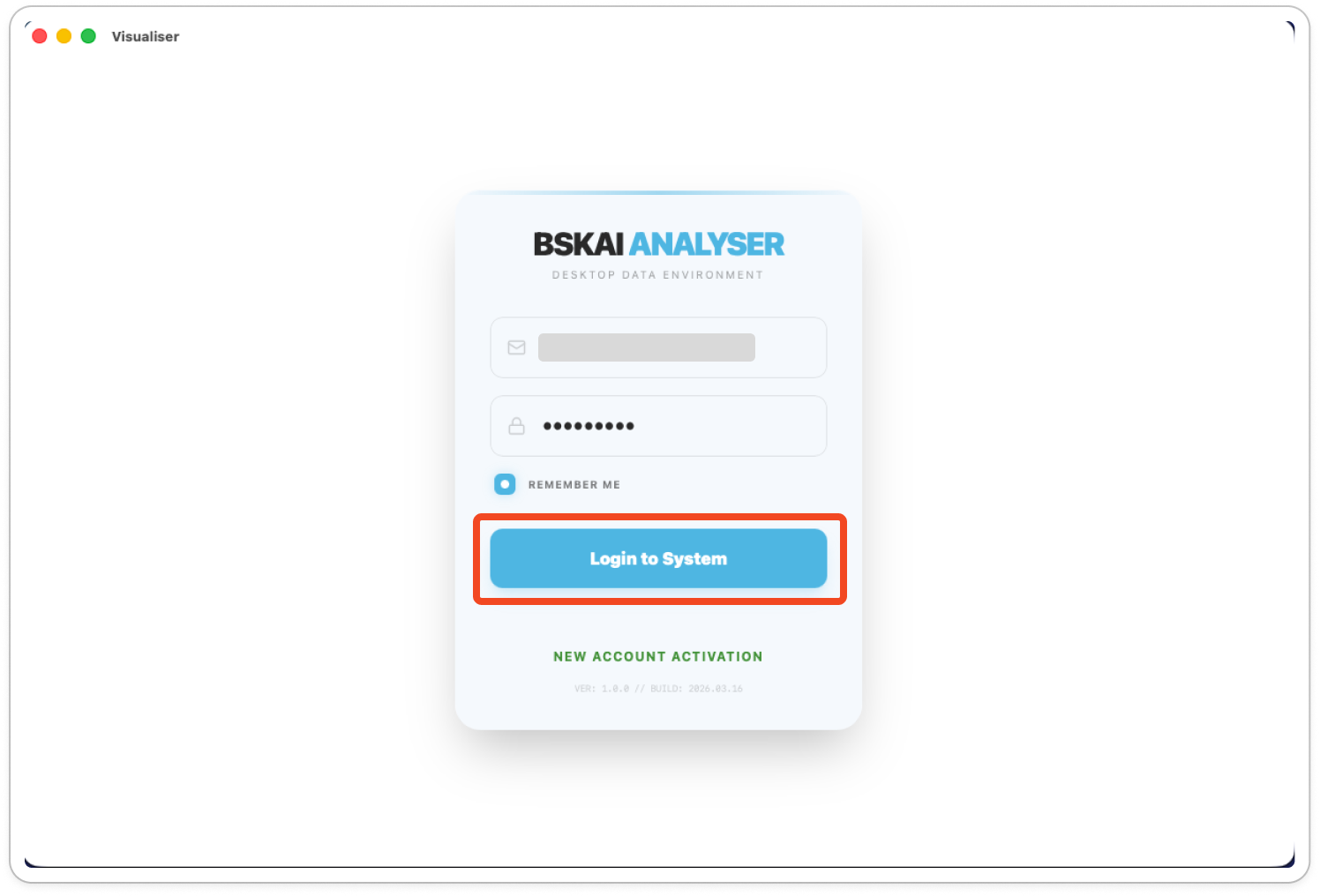
- You will be directed to the Analysis Workspace, your primary dashboard for processing files.
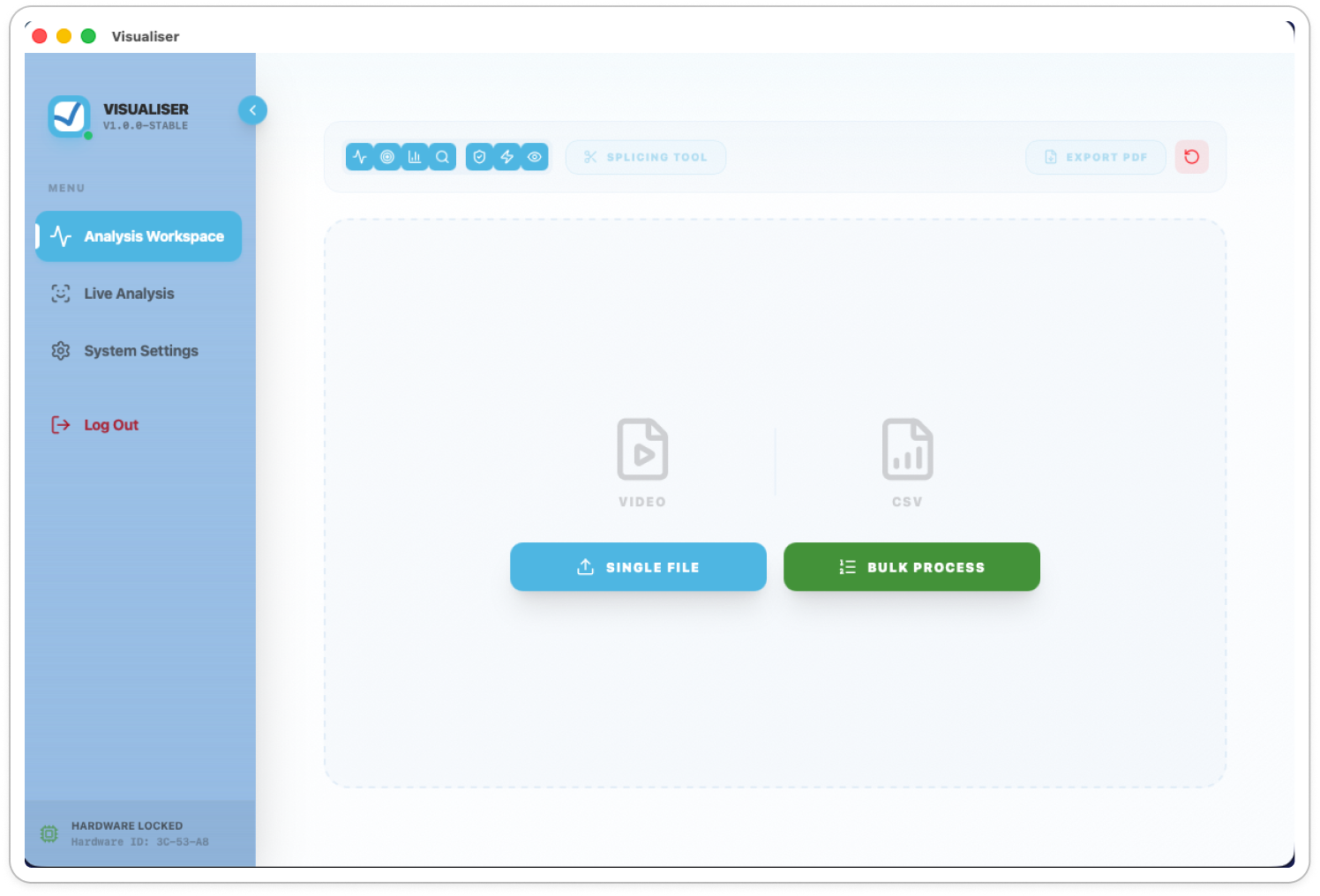

Analysis Workspace
This location is where you upload files for processing or view already processed video files via the outputted csv.

Uploading Video Files
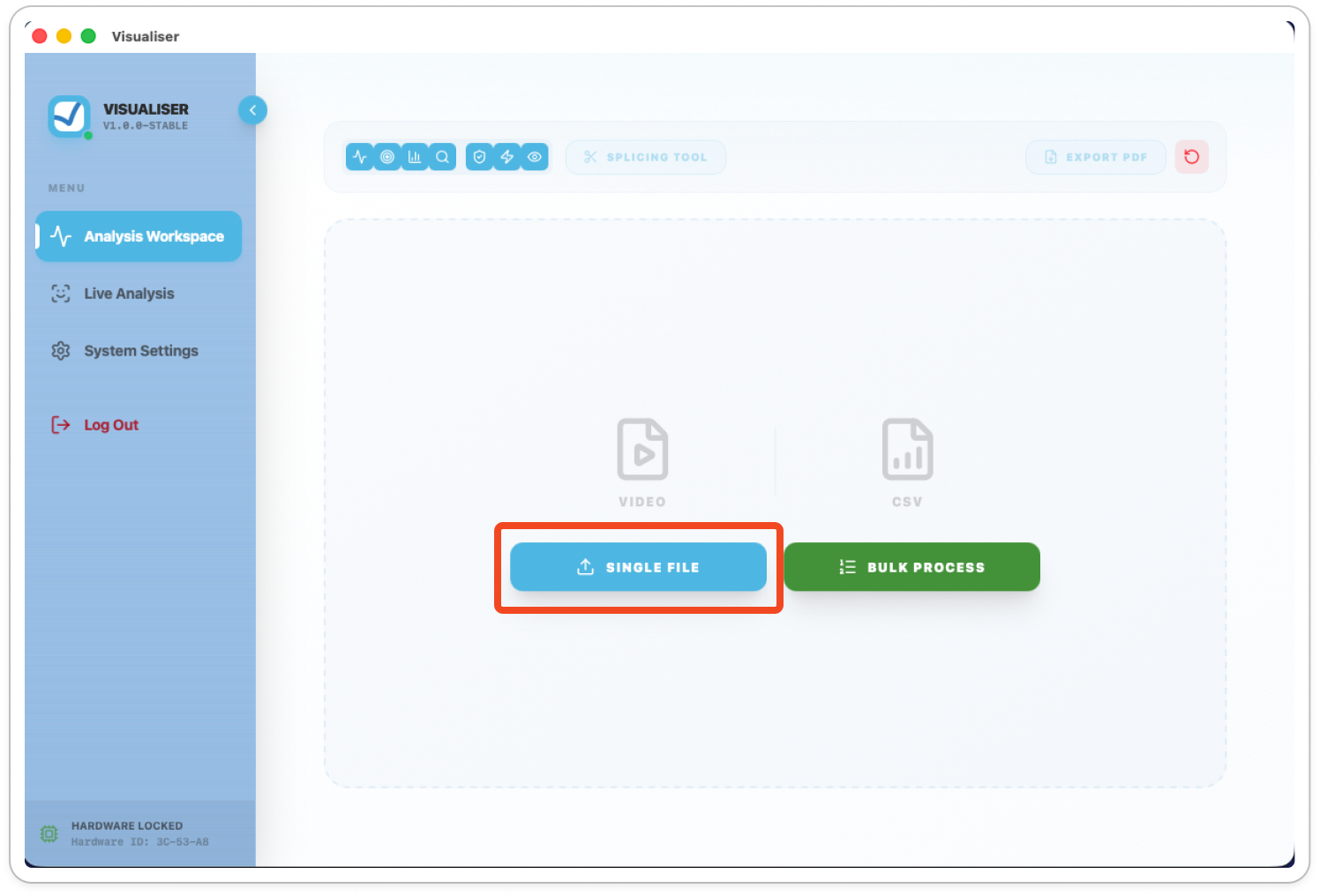
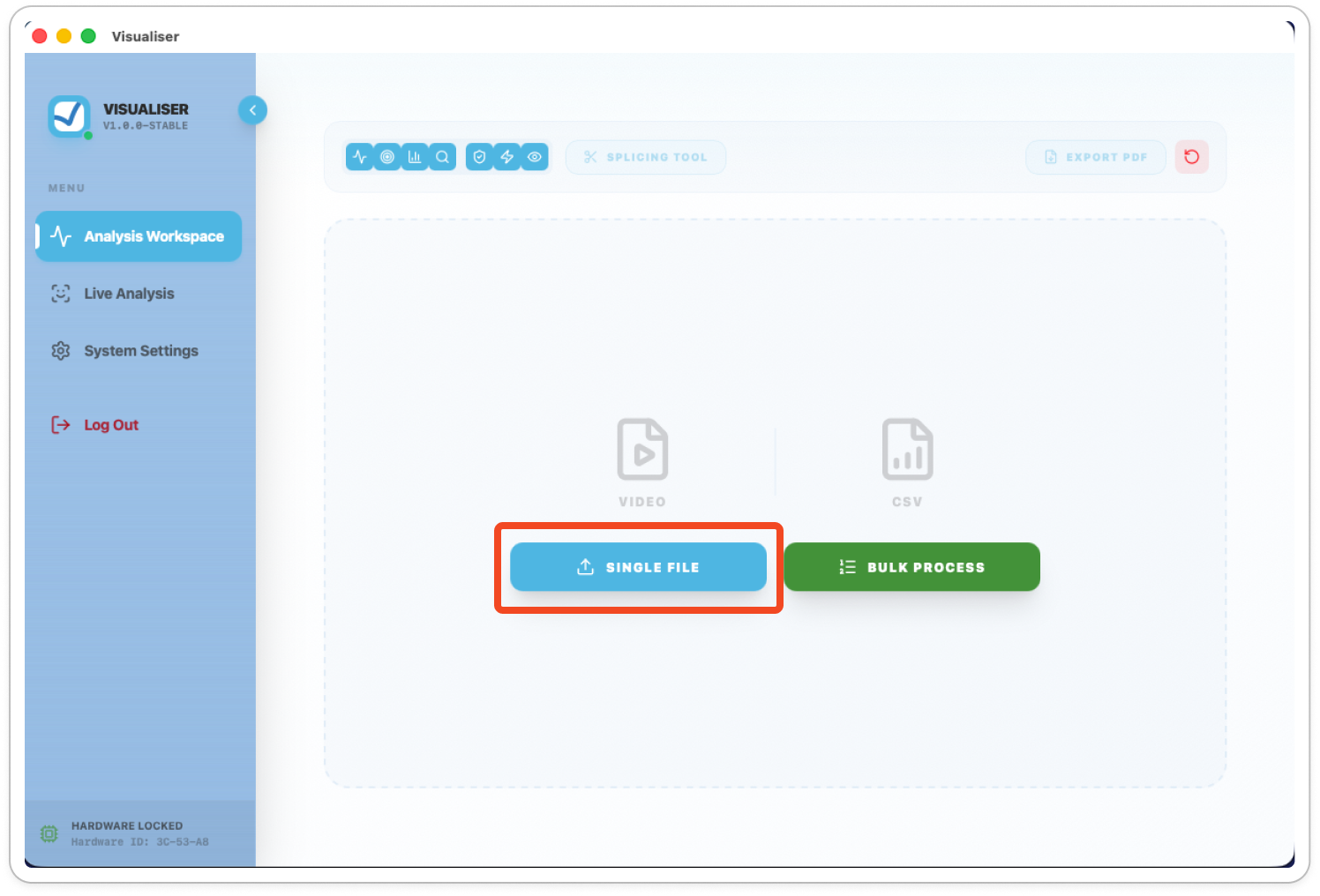
- Single Video: Click Single File, select your video from your computer, and click Open.
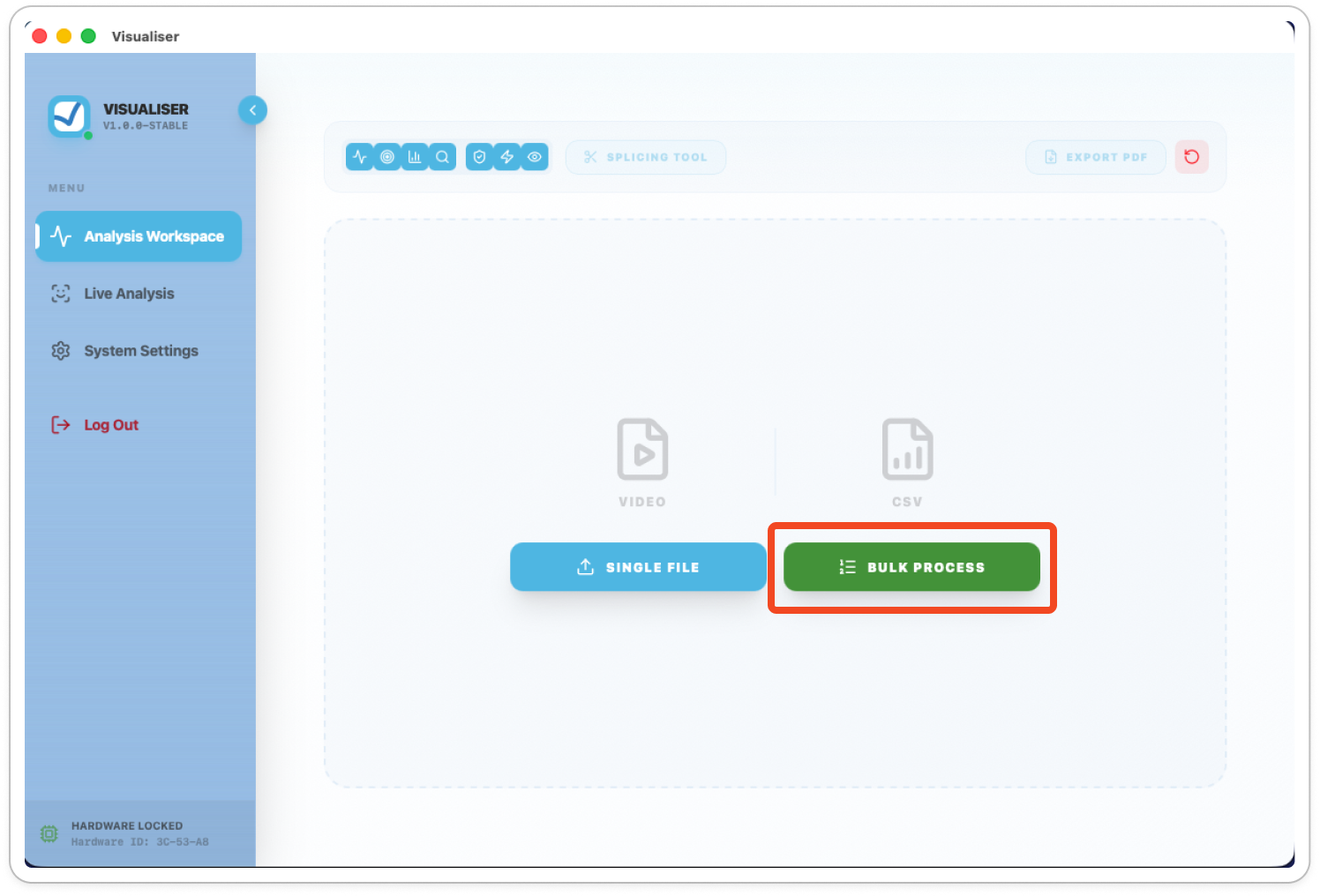
- Bulk Upload: Click Bulk Process and select multiple videos to analyse them all at once.
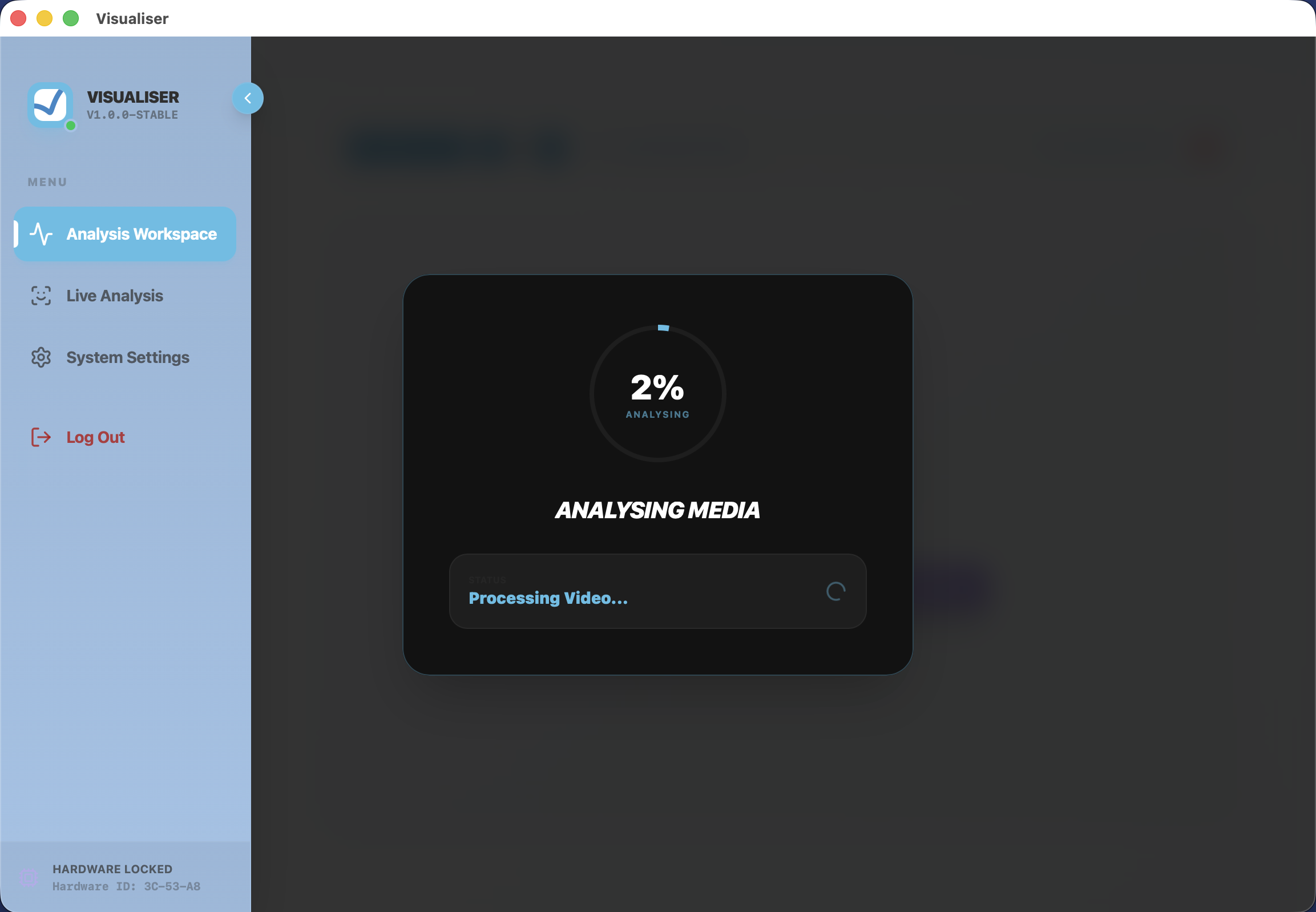
Important: Processing starts automatically. Do not navigate away from the page until the progress bar reaches 100%.

Uploading Existing Data (CSV)
If you already have a processed data file (CSV) and want to review it please follow the steps below:
- Click Single File.
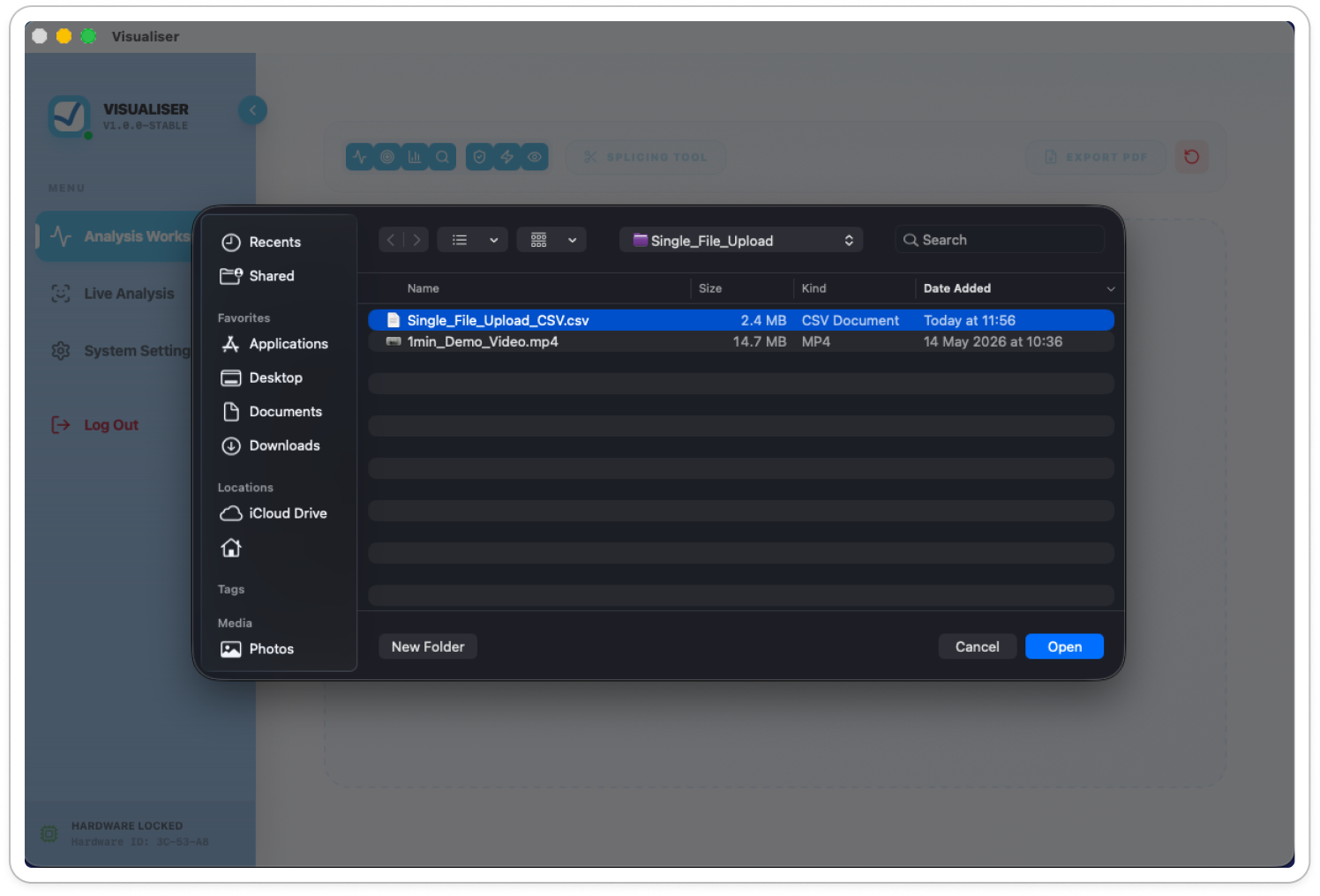
- Select your CSV file and click Open.
The video player component will remain active so you can sync the data with the frame count but will not contain the original video footage.

Understanding Your Results
Once processing is complete, the system generates a detailed report.
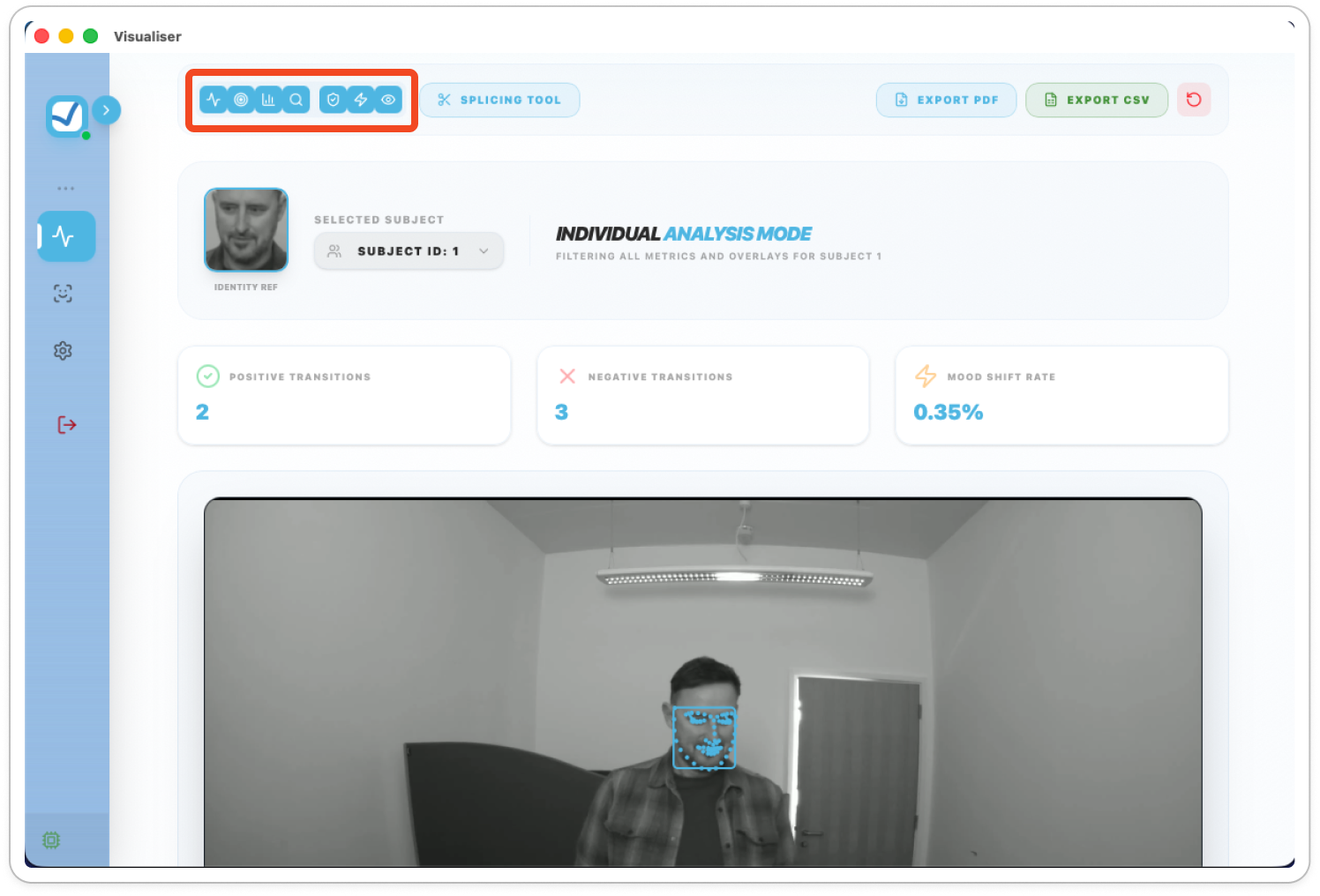
- Segment Toggles: Toggle each segment in or out of view.
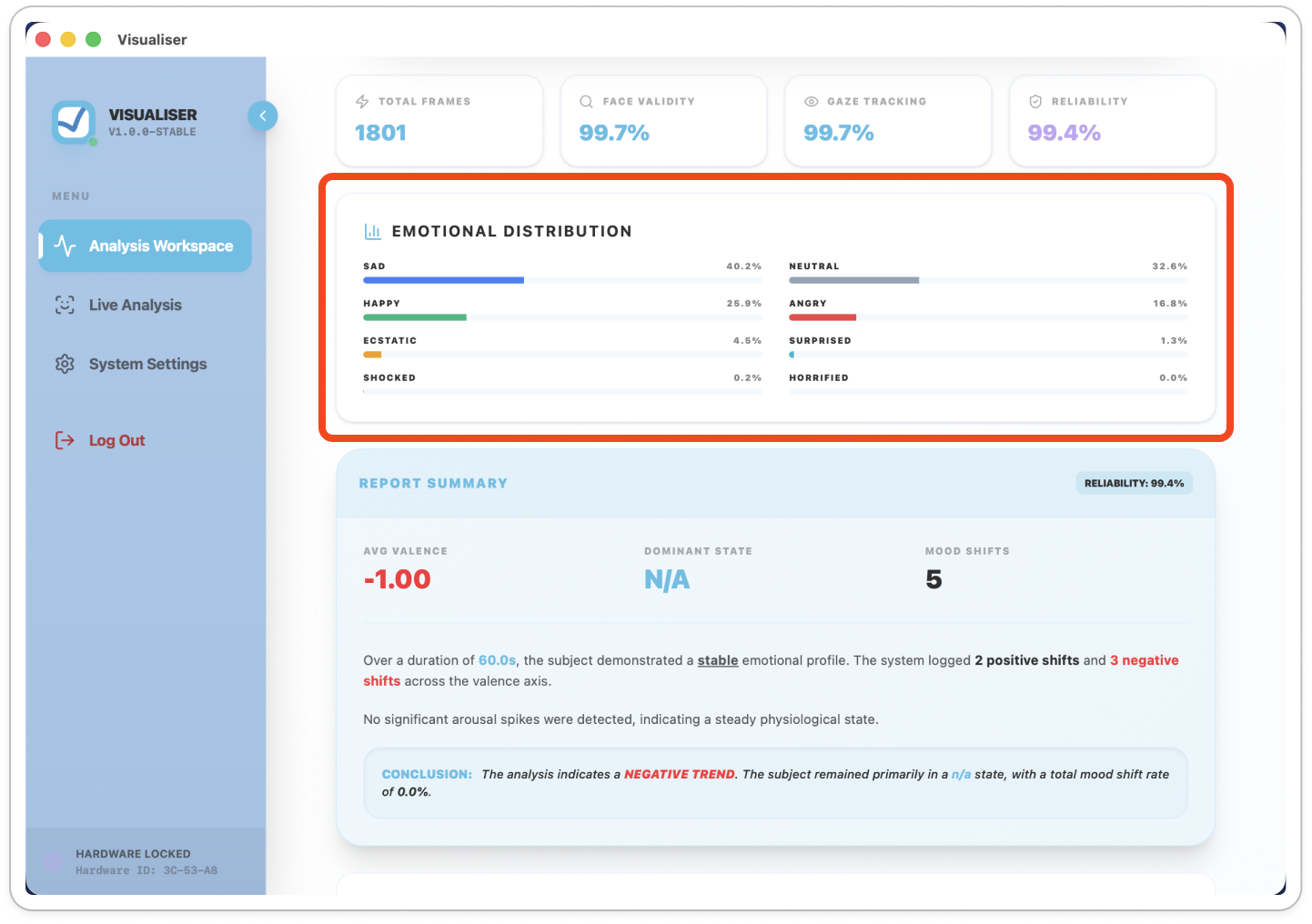
- Emotional Distribution: Displays the percentage of specific emotions (such as Happy, Sad, or Neutral) detected throughout the video.
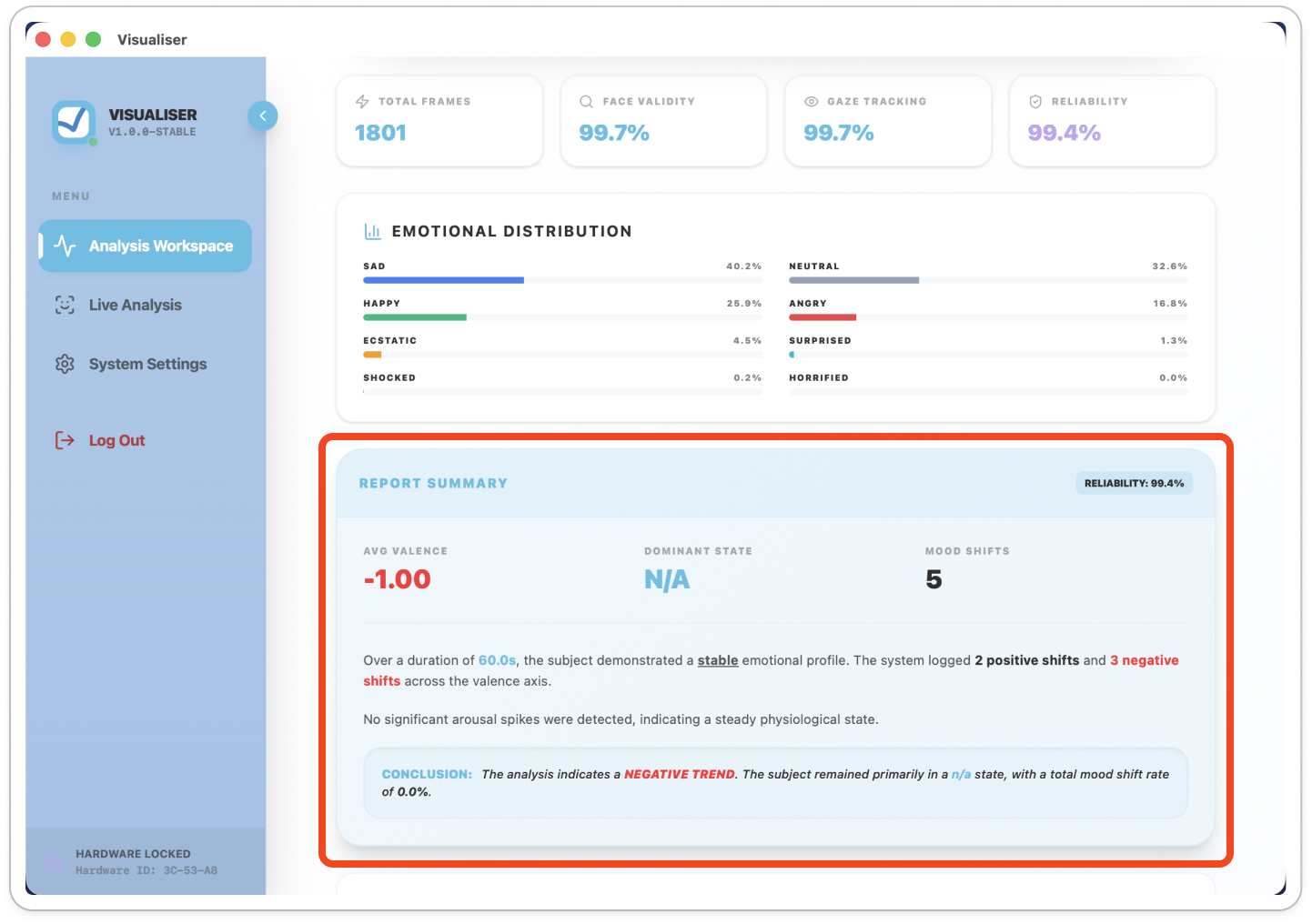
- Report Summary: Provides a high-level conclusion of the subject’s emotional trends and "mood shifts".
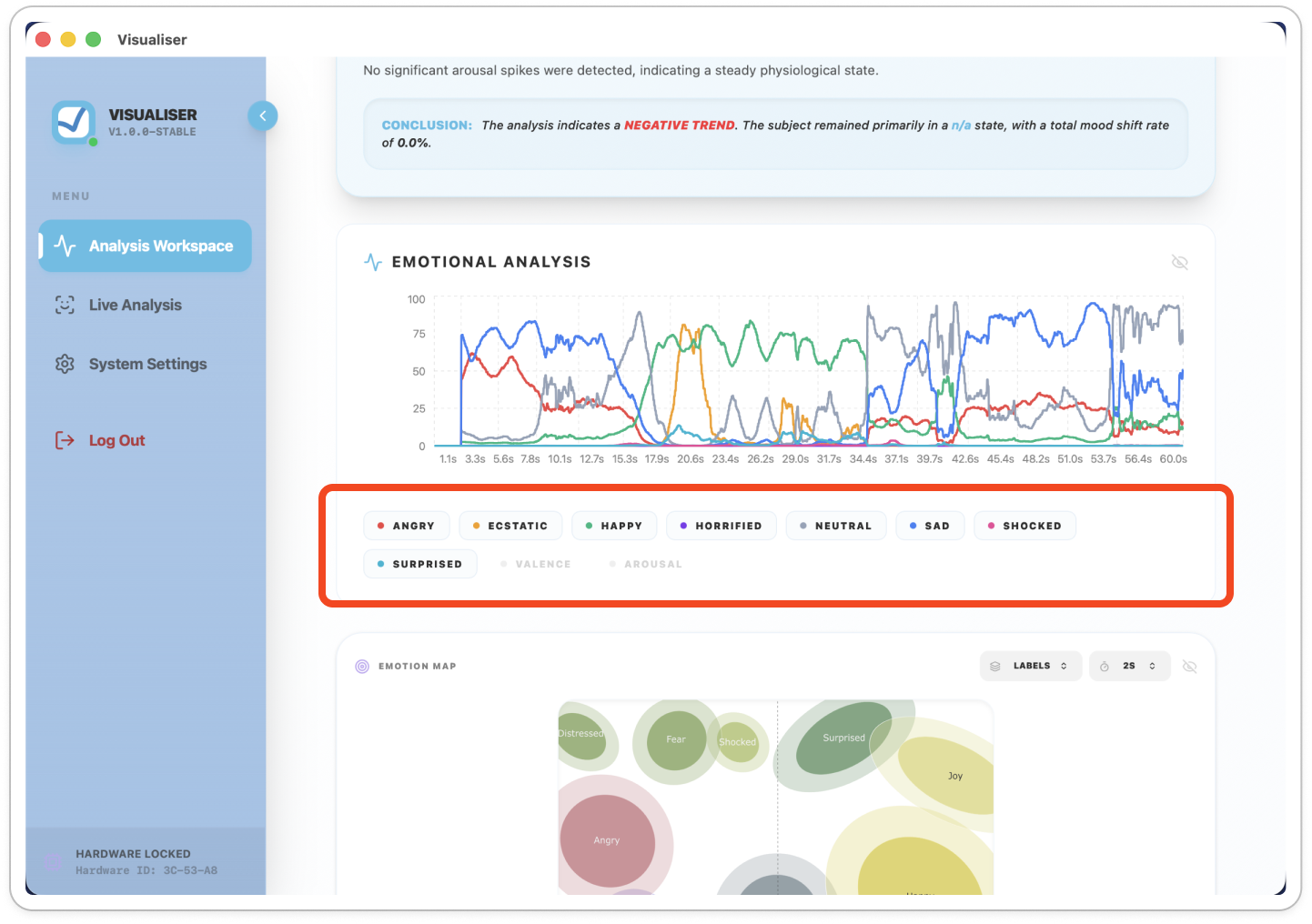
- Emotional Analysis Graph: Shows how different emotions flow over time. You can click the legend below the graph to toggle specific emotions on or off.
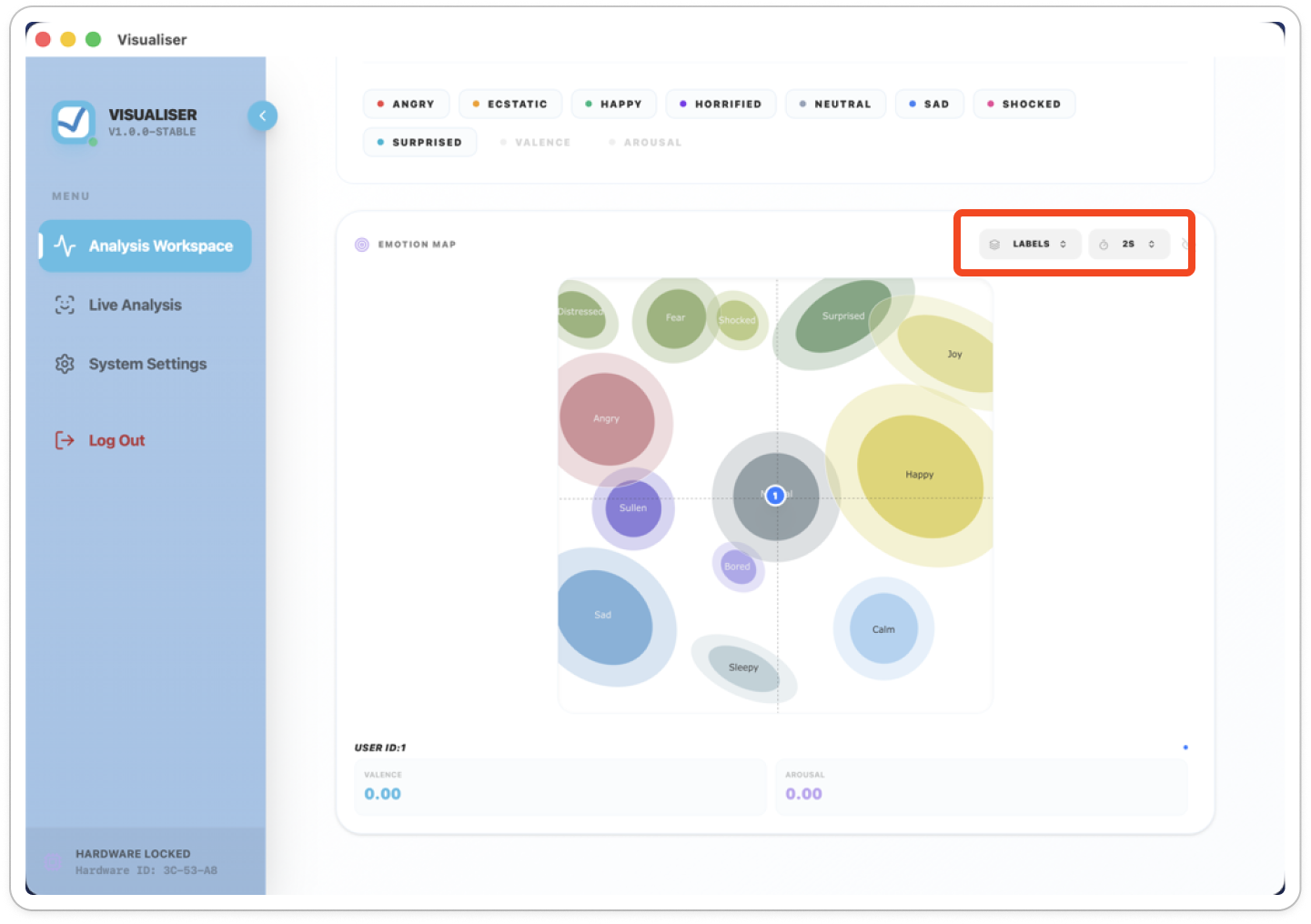
- Emotion Map: A dynamic view showing Valence (positivity/negativity) and Arousal (intensity).
Use the dropdown menus to show labels or adjust the "trail duration" of the data points.

Multi Person Analysis
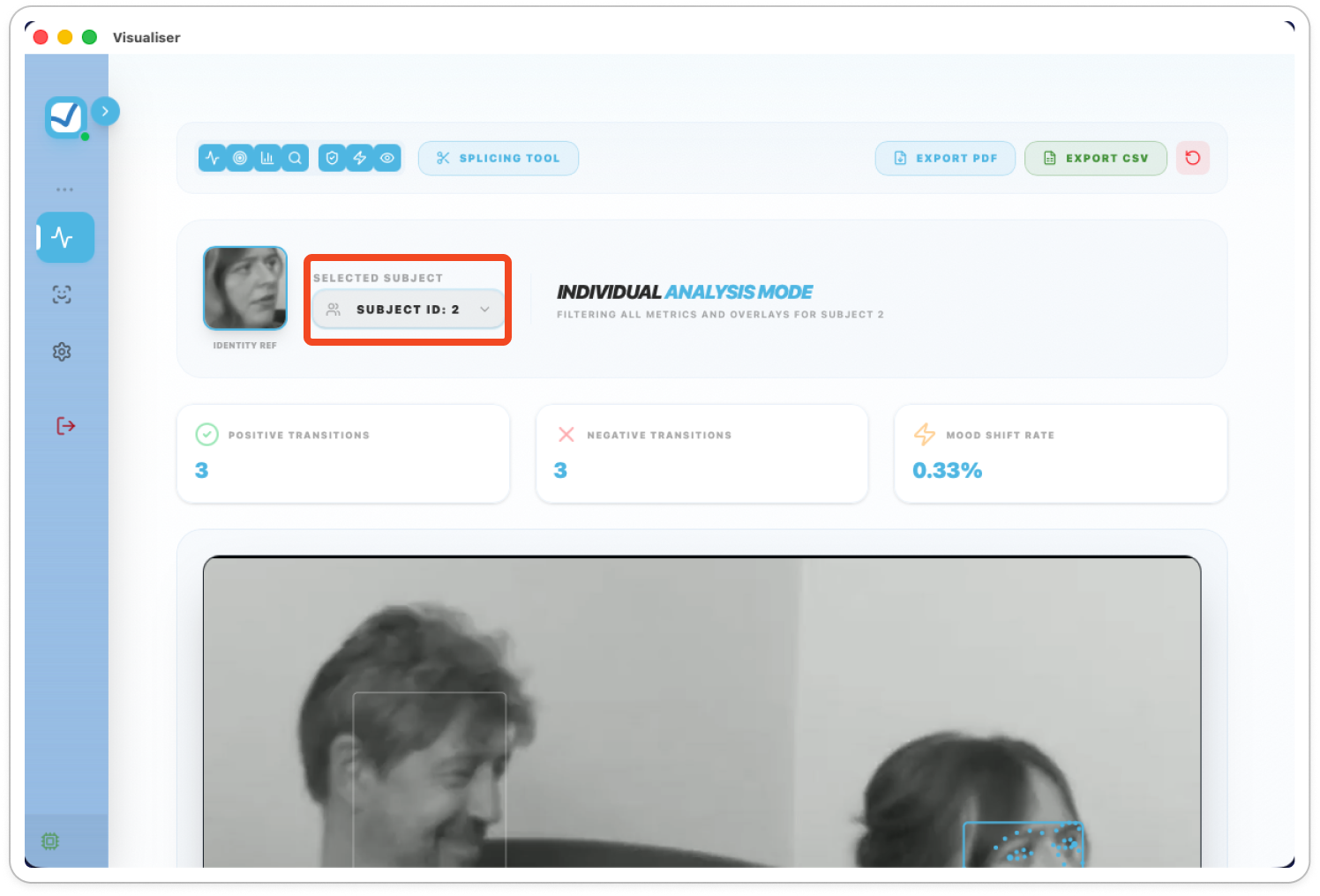
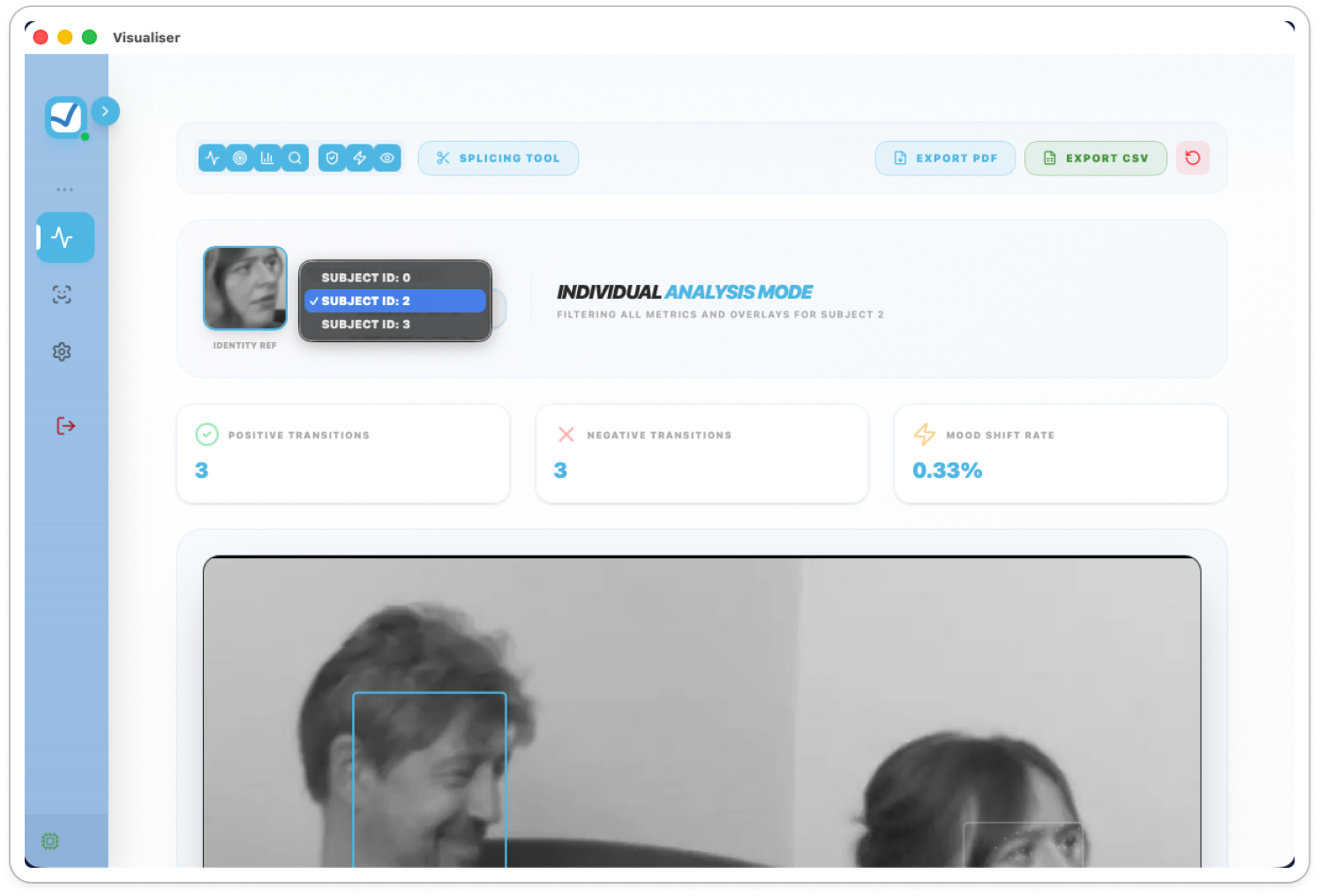
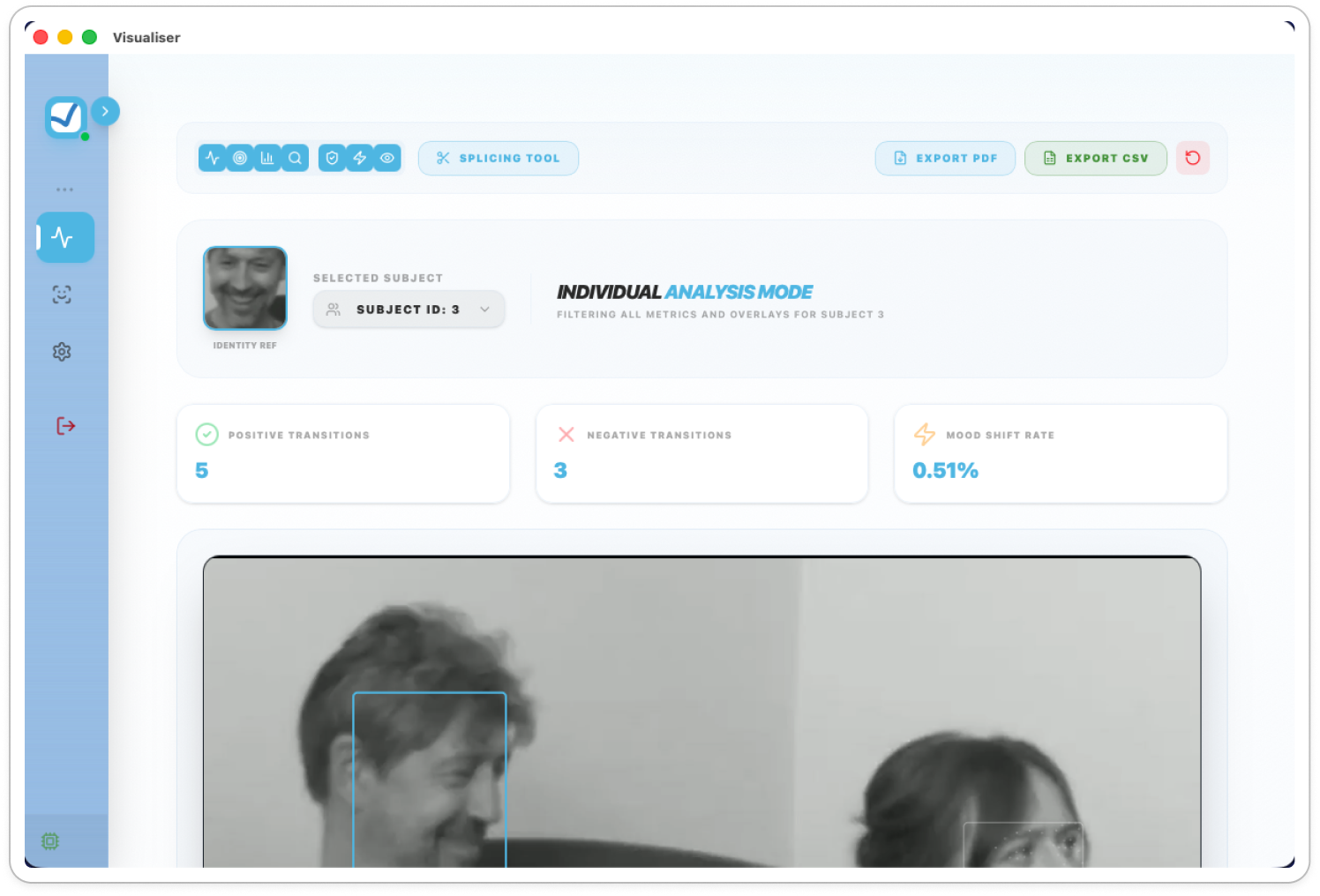
Videos containing multiple subjects which have been analysed through the SDK each have their own data analysis.
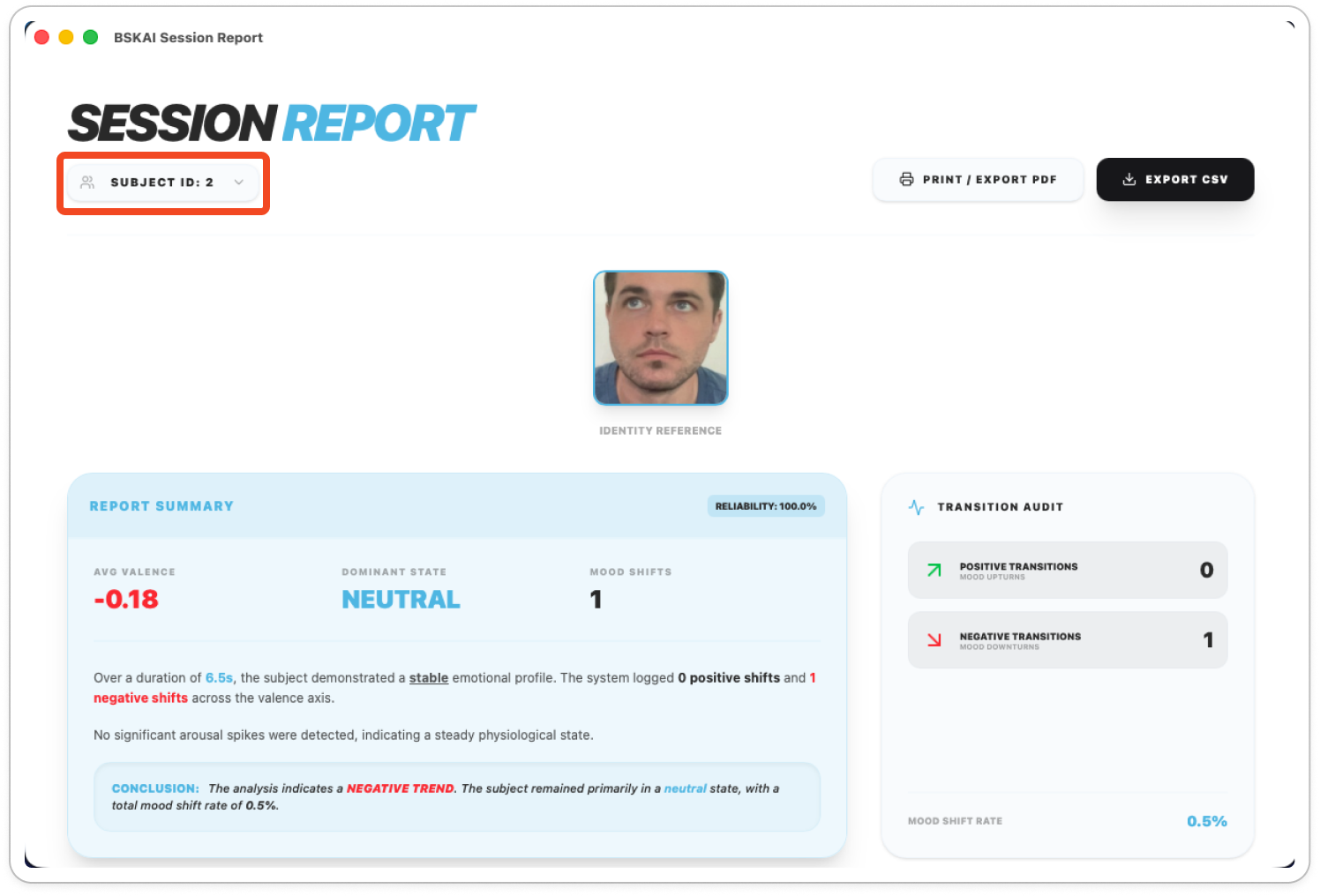
- To access a different analysed subject click on the Selected Subject dropdown
- Select the desired subject to review
This will automatically load the selected subjects SDK analysis and report.

Splicing Video Data
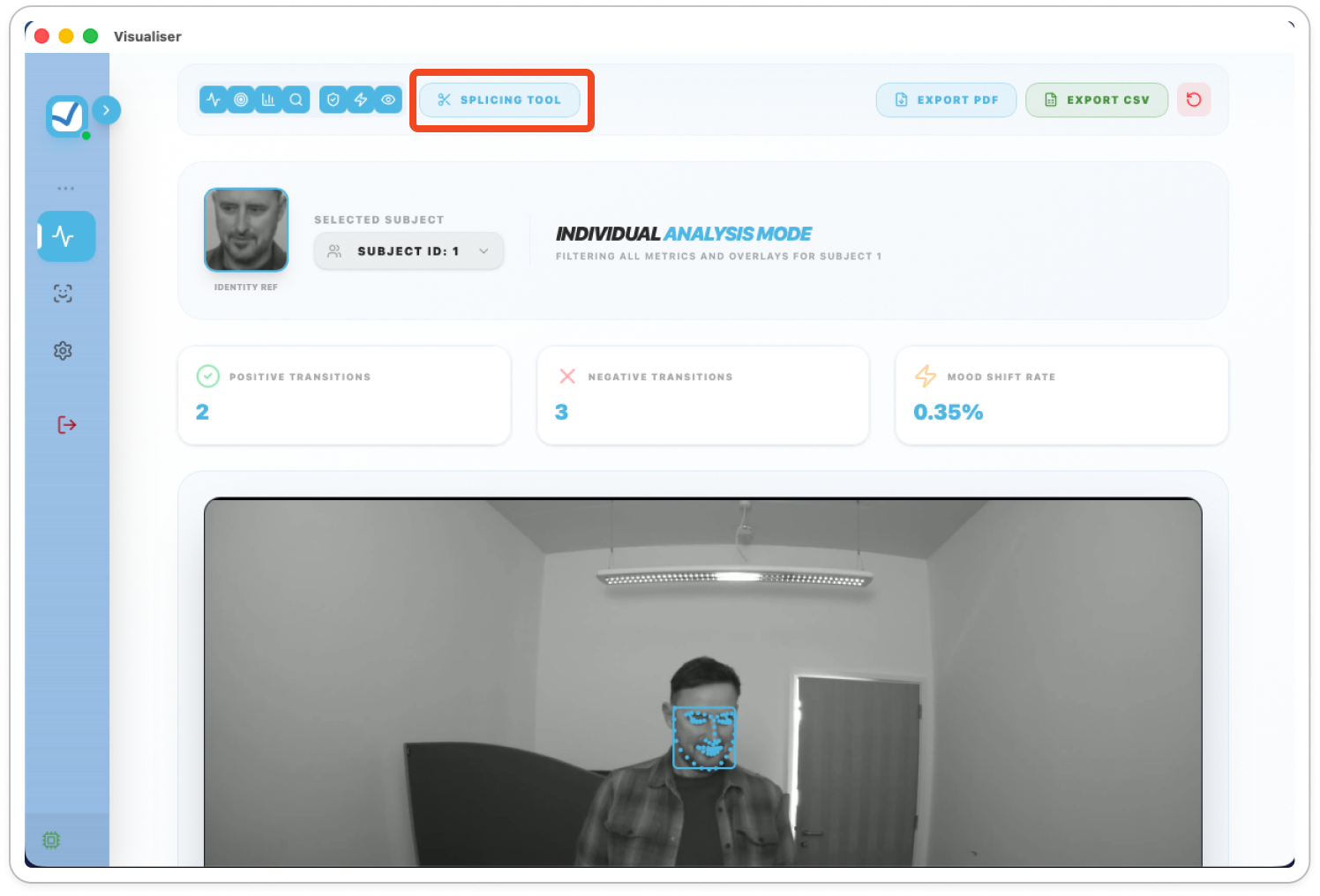
You can extract segments of the outputted SDK data directly from the analysis page.
- Select the Splicing Tool from the top bar.
To cancel the splice click the same button again (Titled ‘Cancel Splice’).
- Click on the timestamp bar to select a start and end point for the data selection.
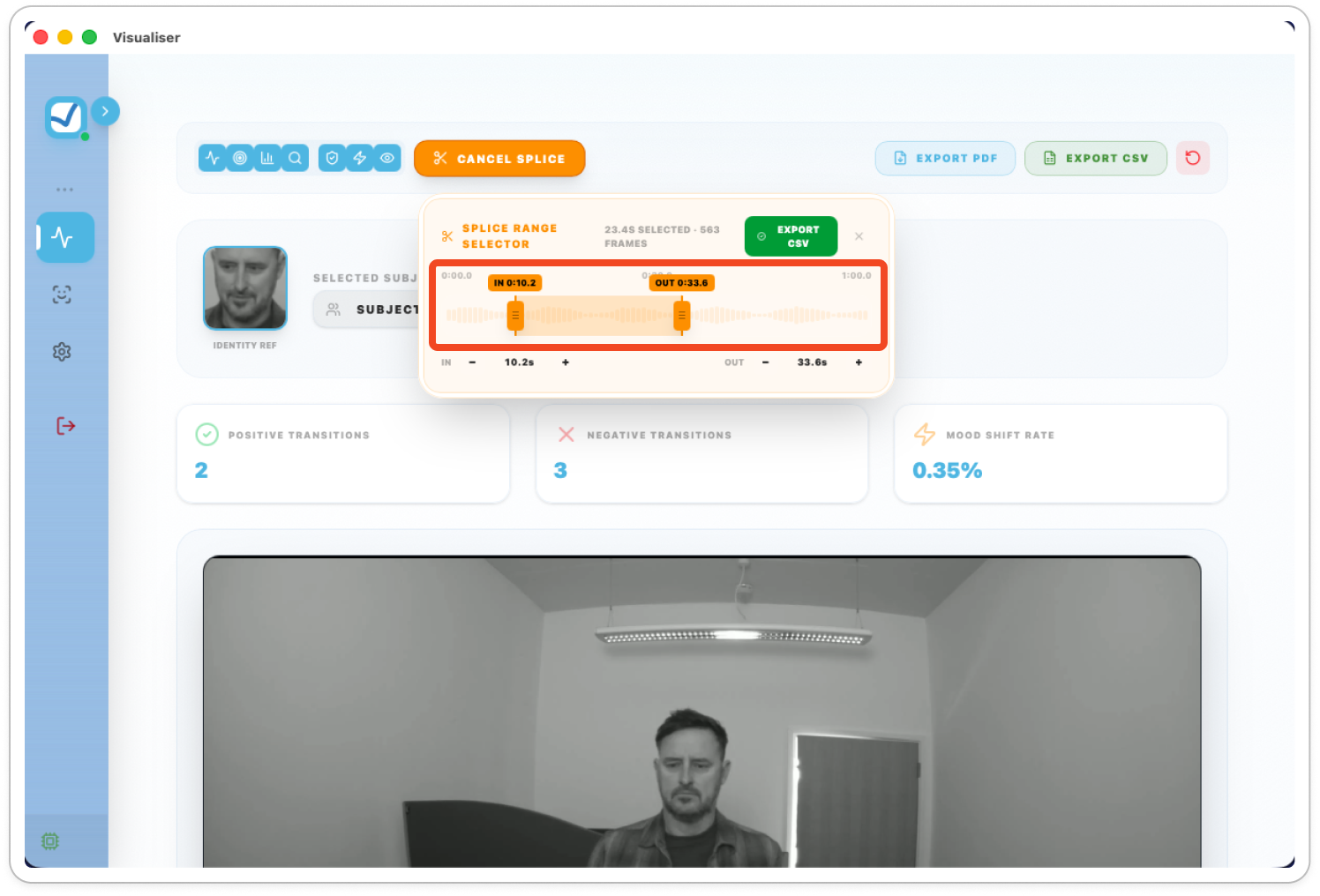
You can click and drag the start and end points or use the - / + symbols for fine tuning.
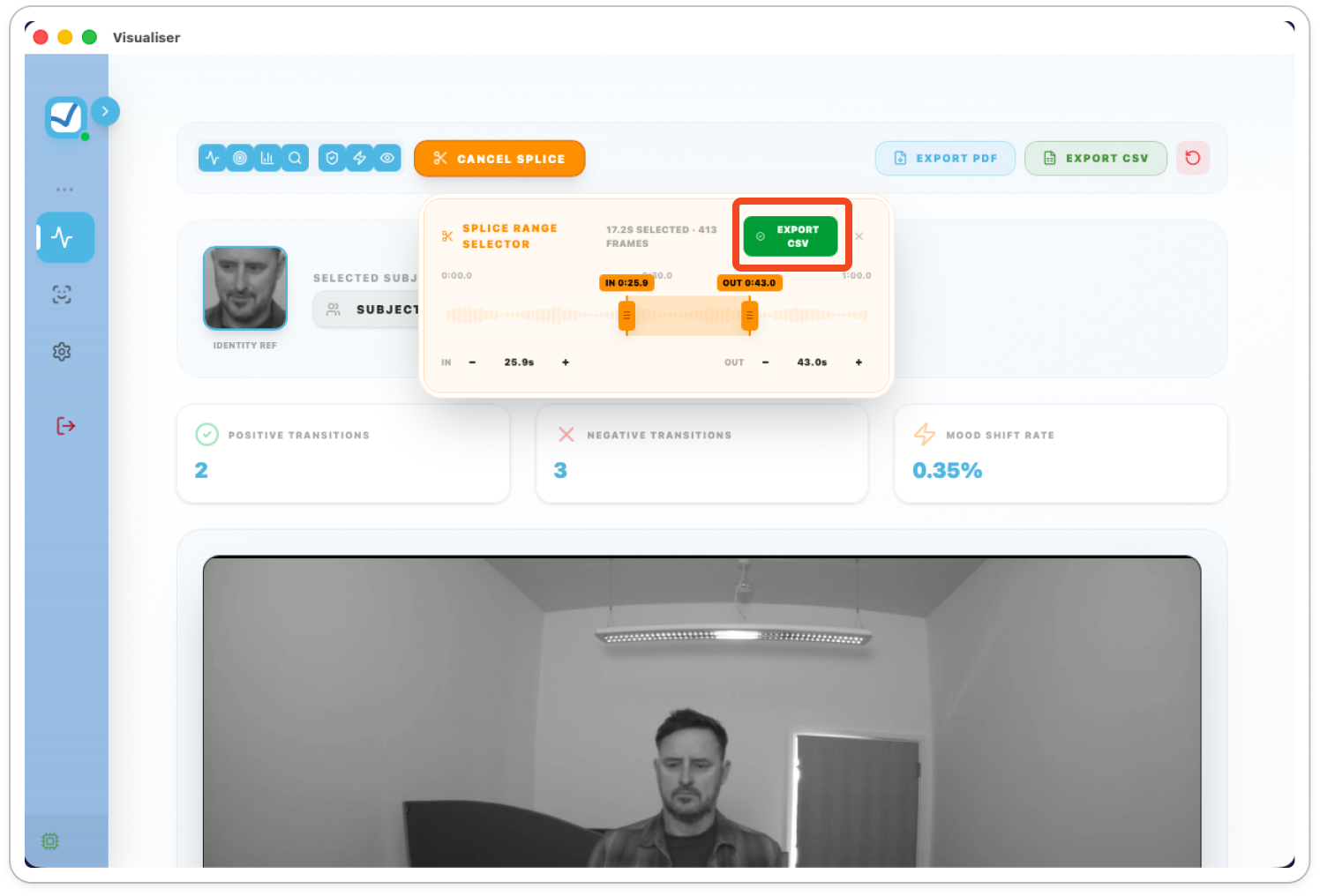
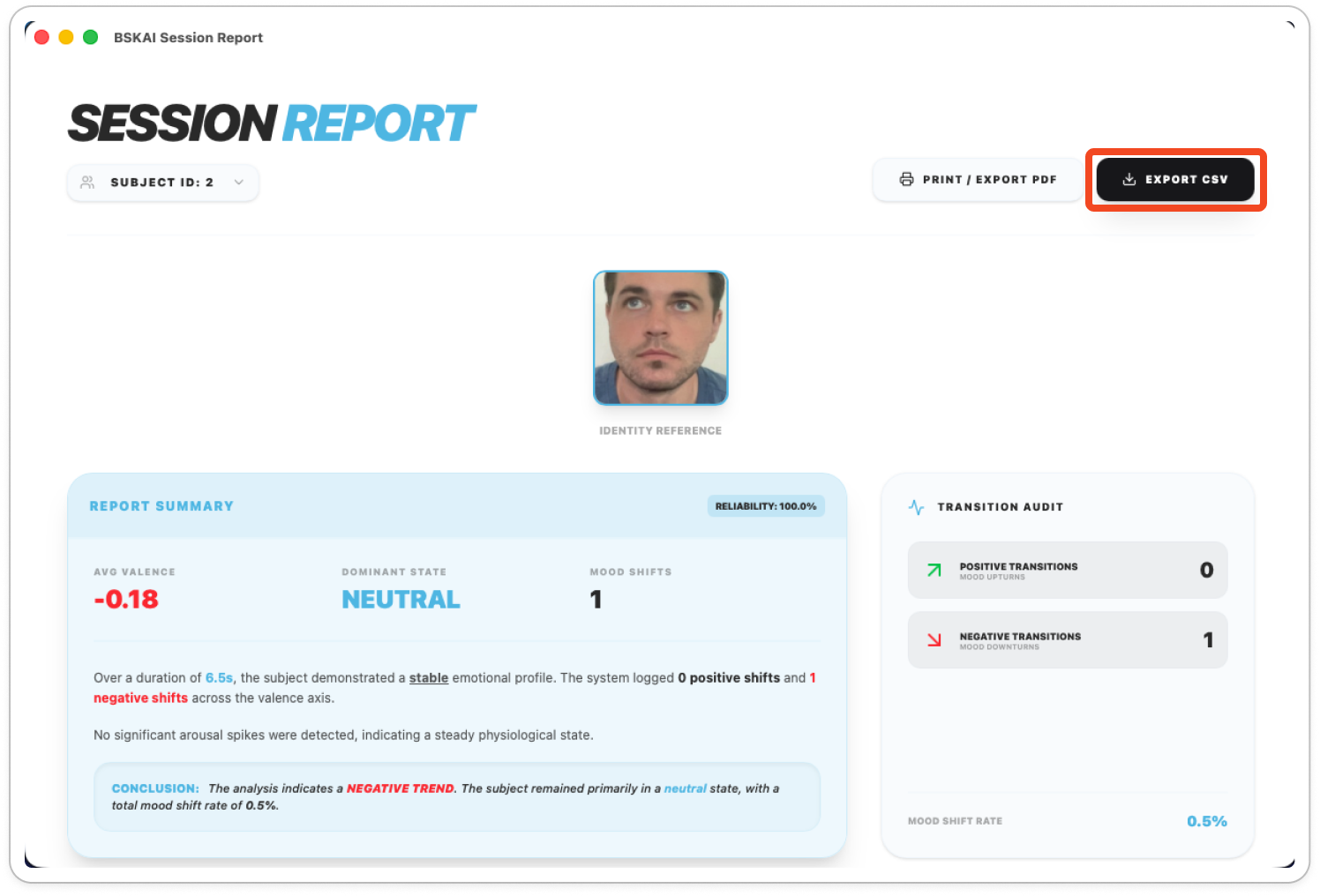
- Once you are happy with the timestamps. Click Export CSV to generate the new data file.
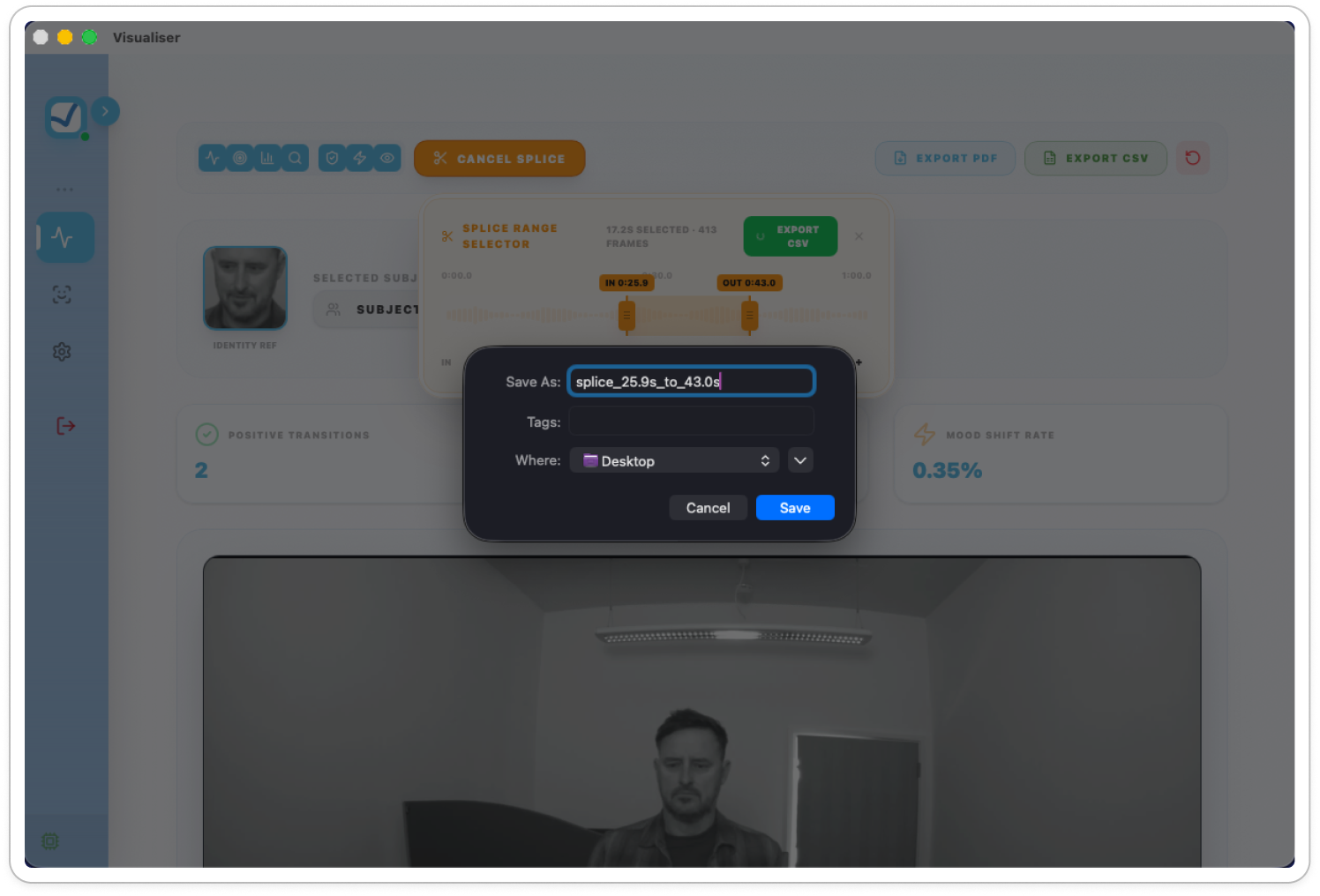
The file name is generated by default using the selected timestamps. You can alter this as required by editing the existing name or entering a new one.

Live Analysis
See the AI in action using your camera and microphone in real-time.
- Select Live Analysis from the sidebar.
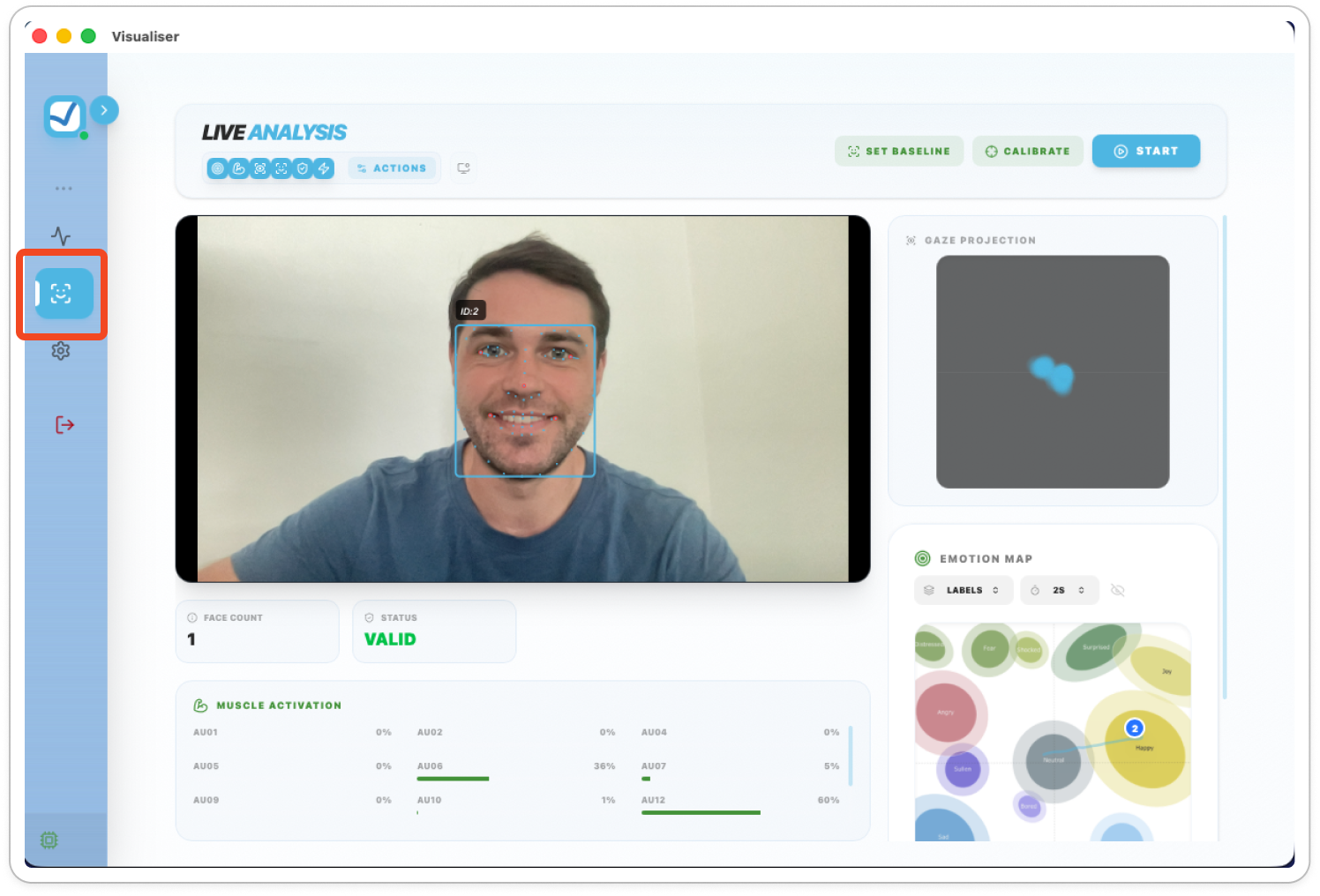
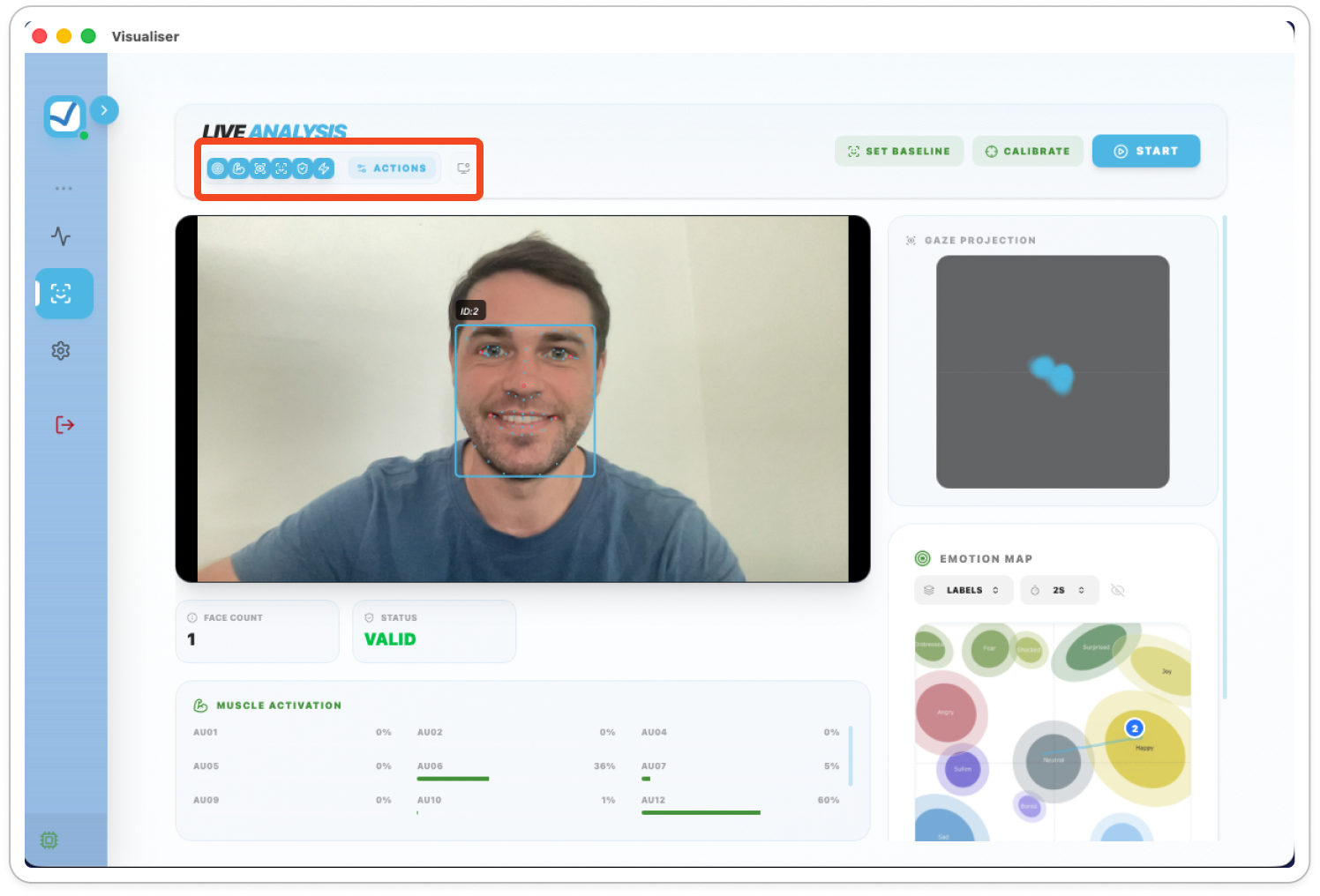
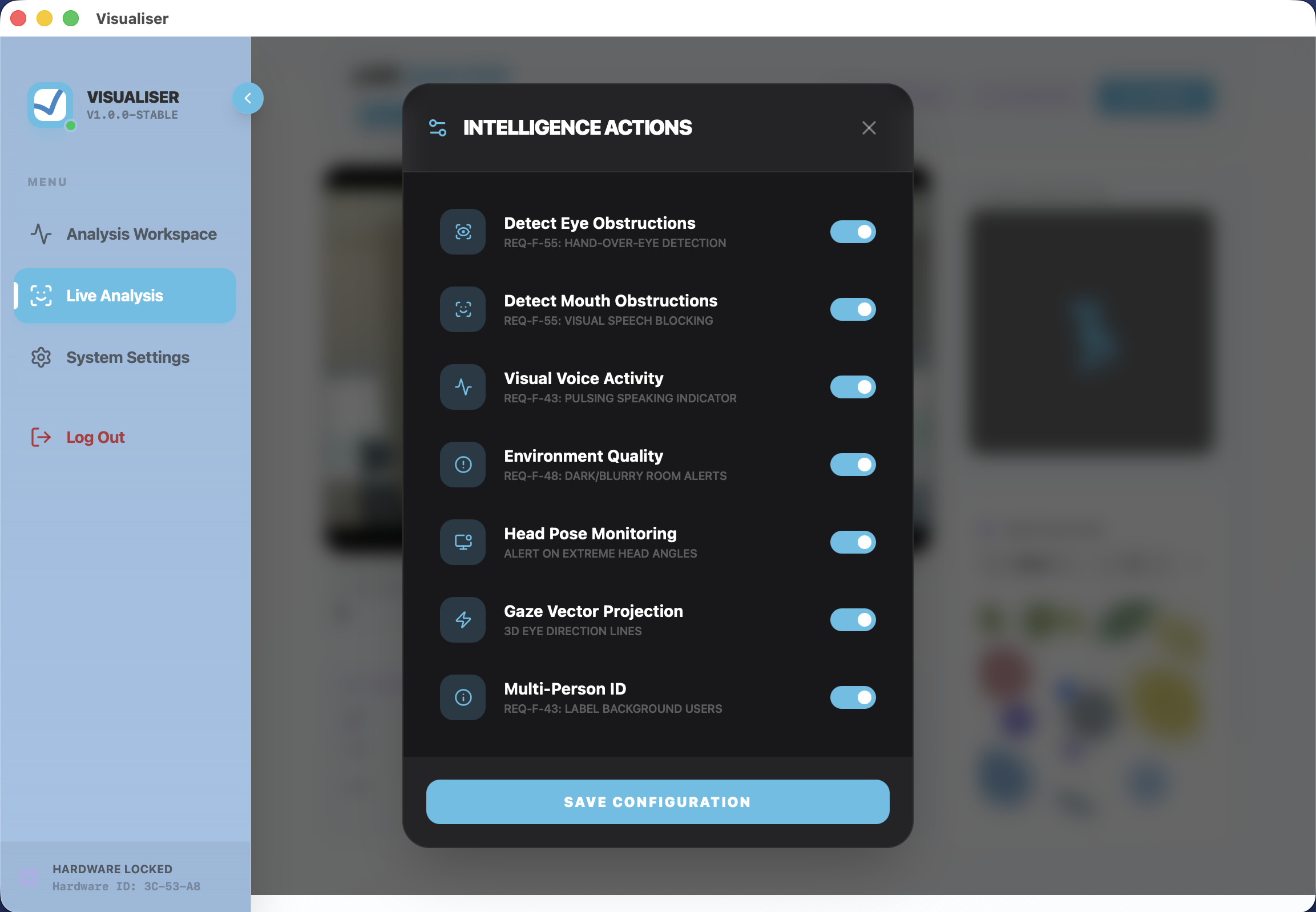
- Click Actions to toggle specific AI features like Gaze Tracking, Head Pose Monitoring, or Multi-Person ID.
- Click Save Configuration to apply your settings.

Live Session Recording
The live recording session feature is a way to generate a report from the live analysis.
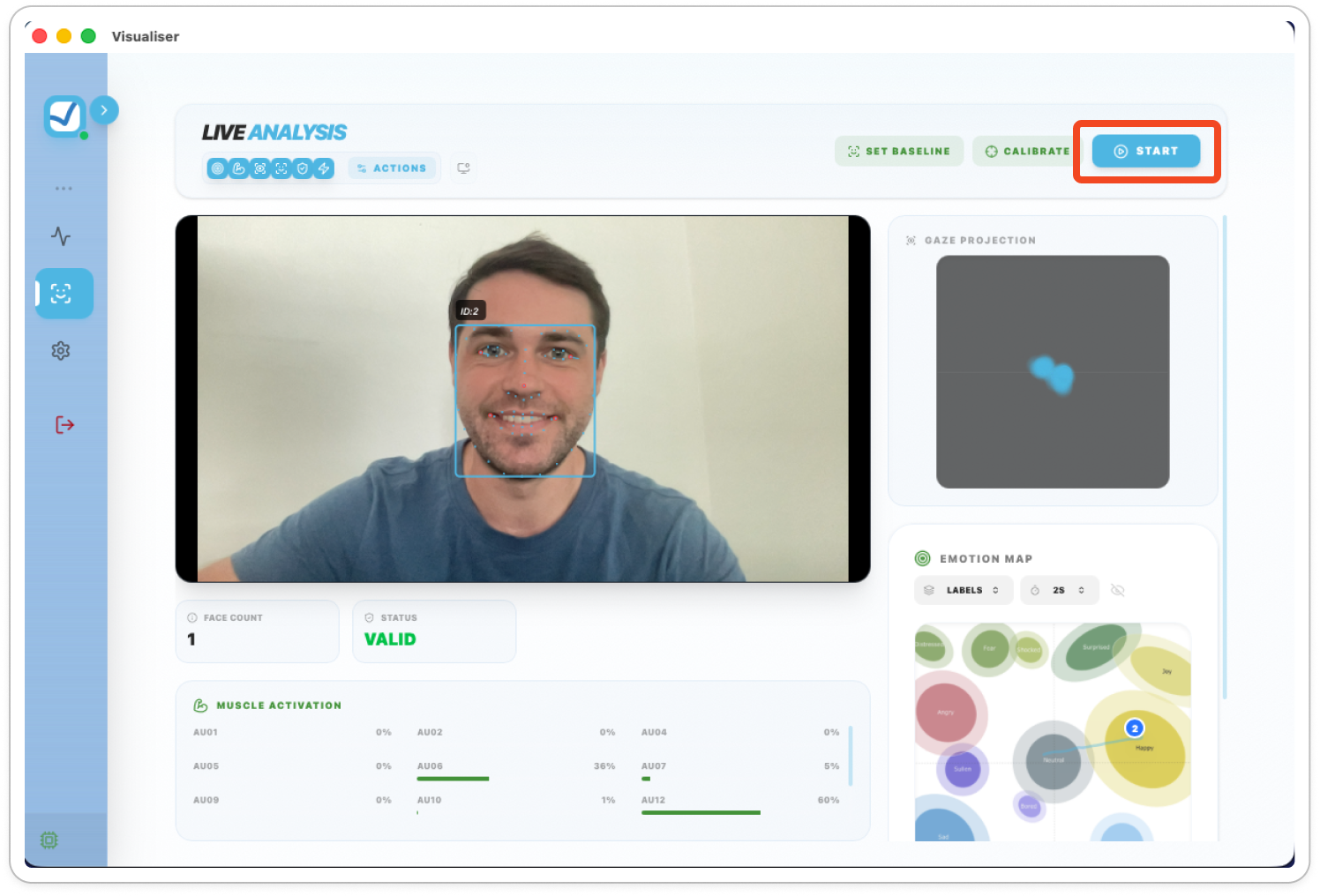
- Click Start to begin recording a live session.
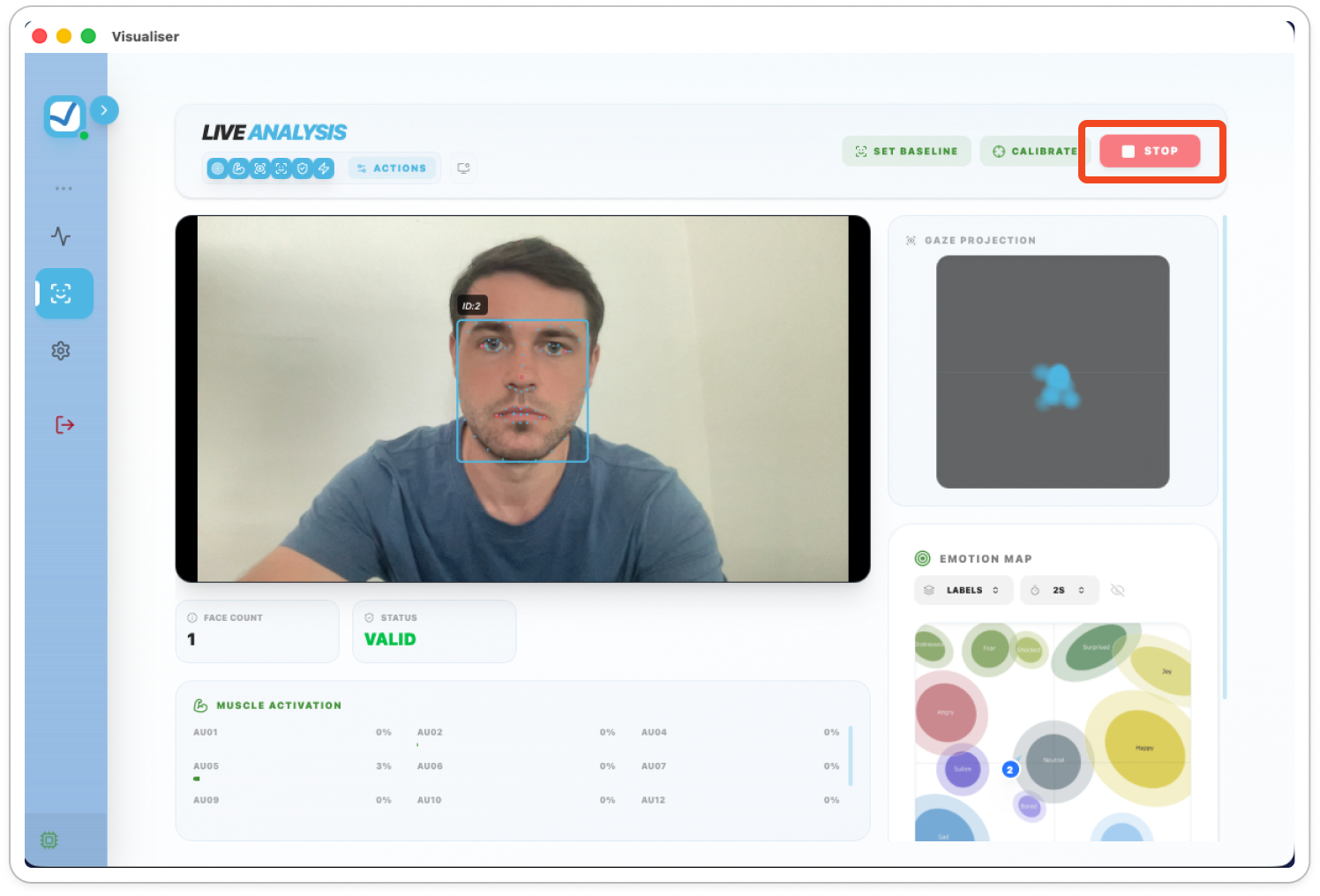
- Click Stop to end the session and generate a report.
- View specific subjects using the Subject ID dropdown.

Exporting
-
Use the Export CSV button for raw data or Print / Export PDF for a shareable visual report.
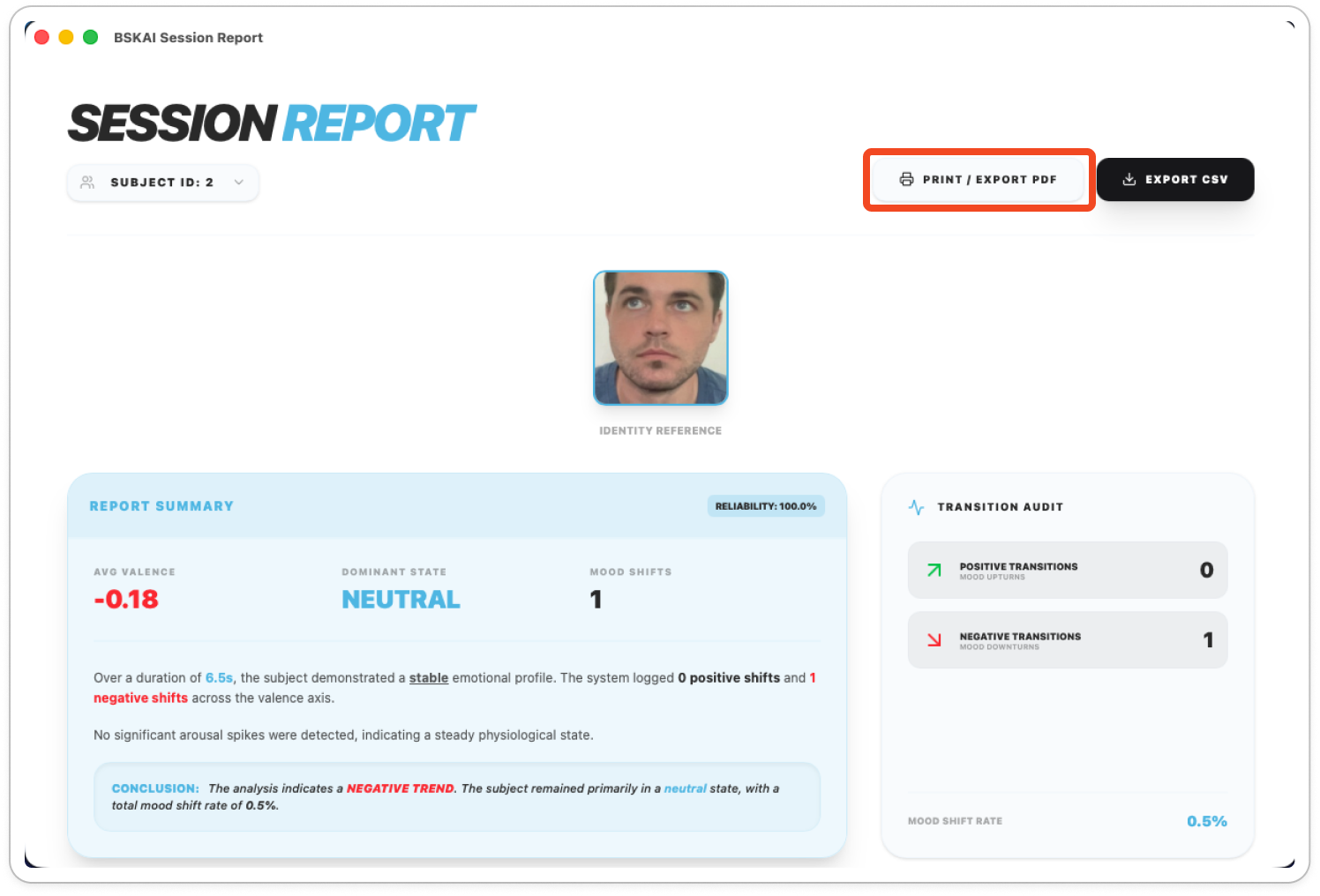
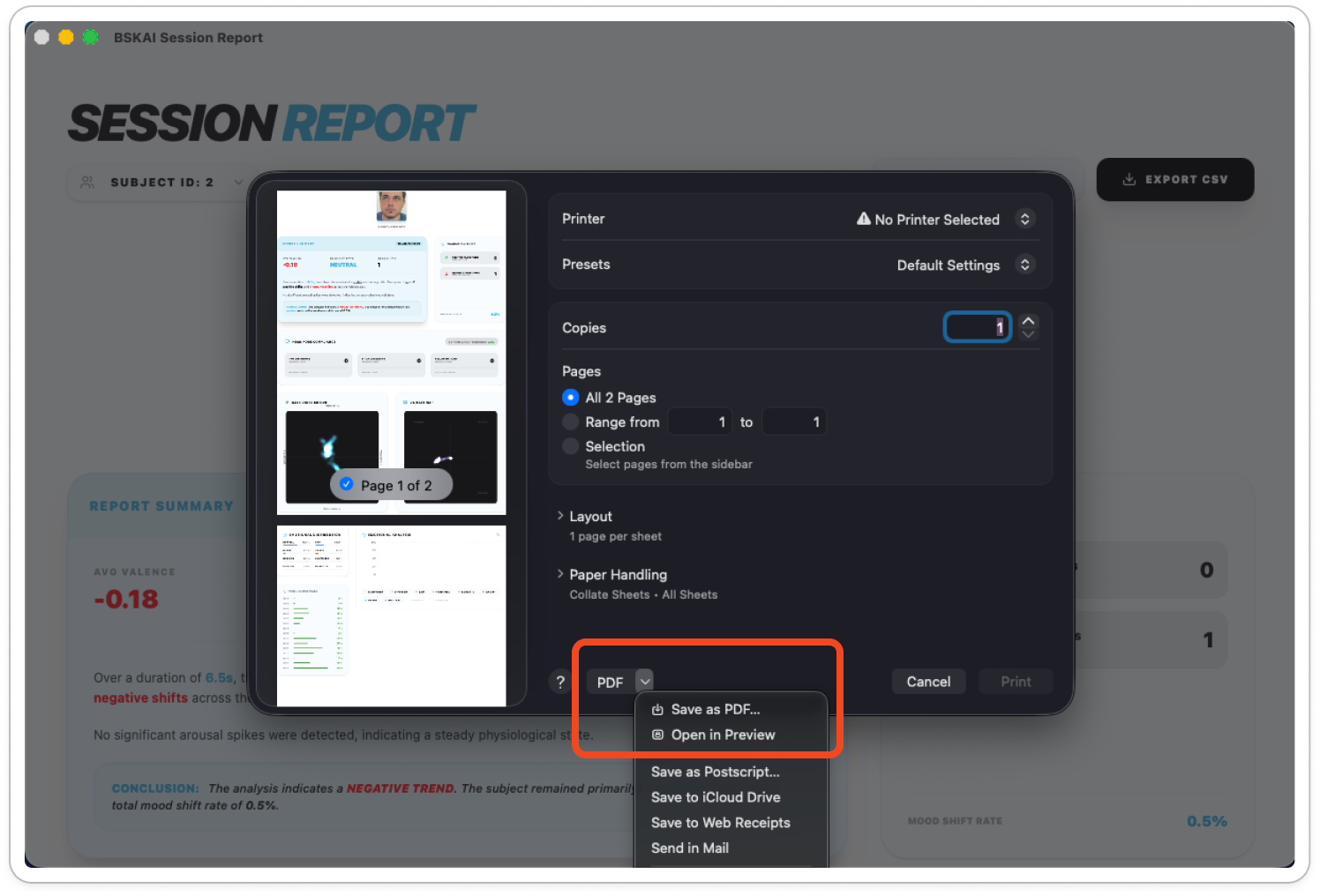
You can export as PDF by selecting the PDF dropdown in the bottom left of this modal and clicking ‘Save as PDF’

System Settings
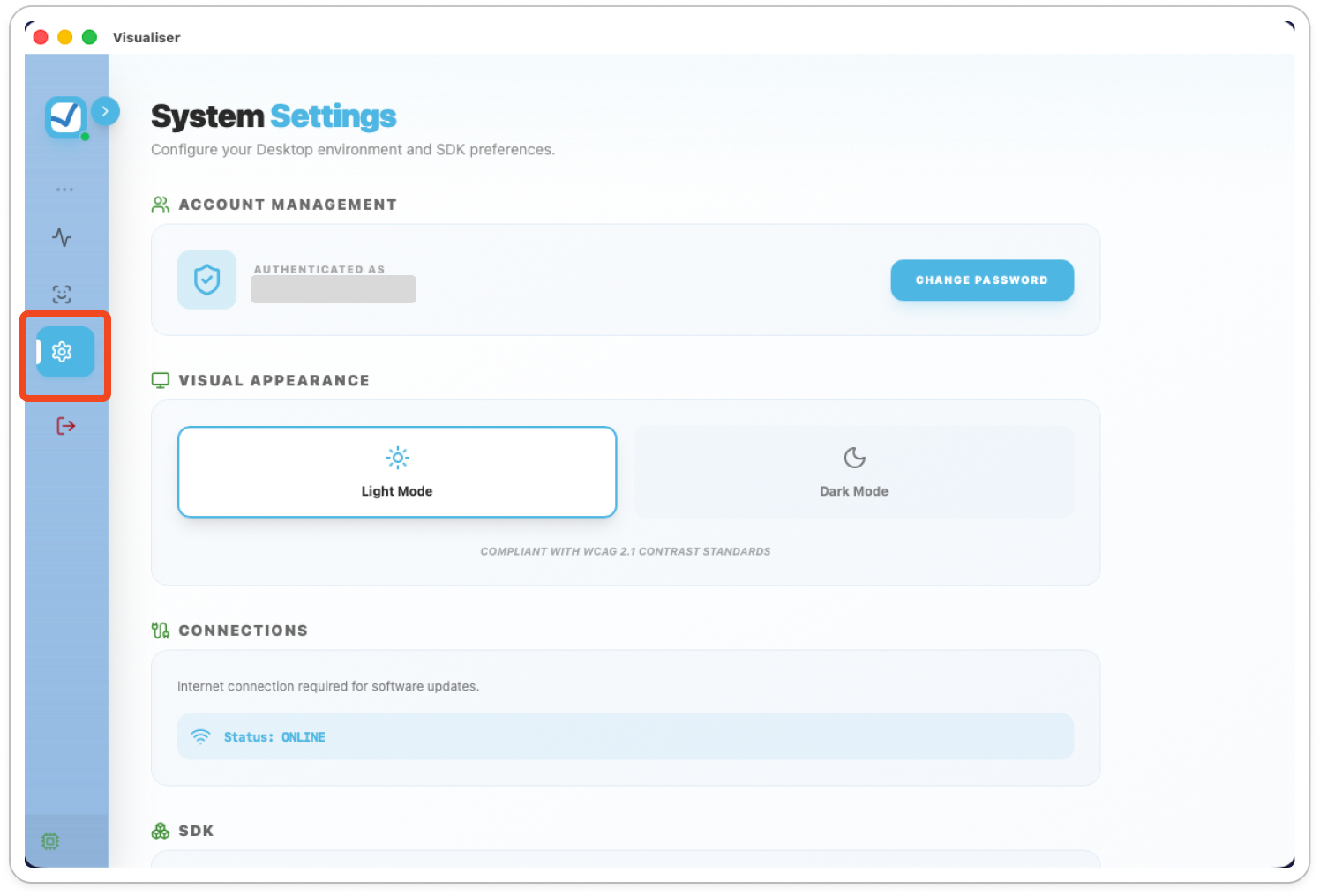
Customise your experience by clicking System Settings in the sidebar.
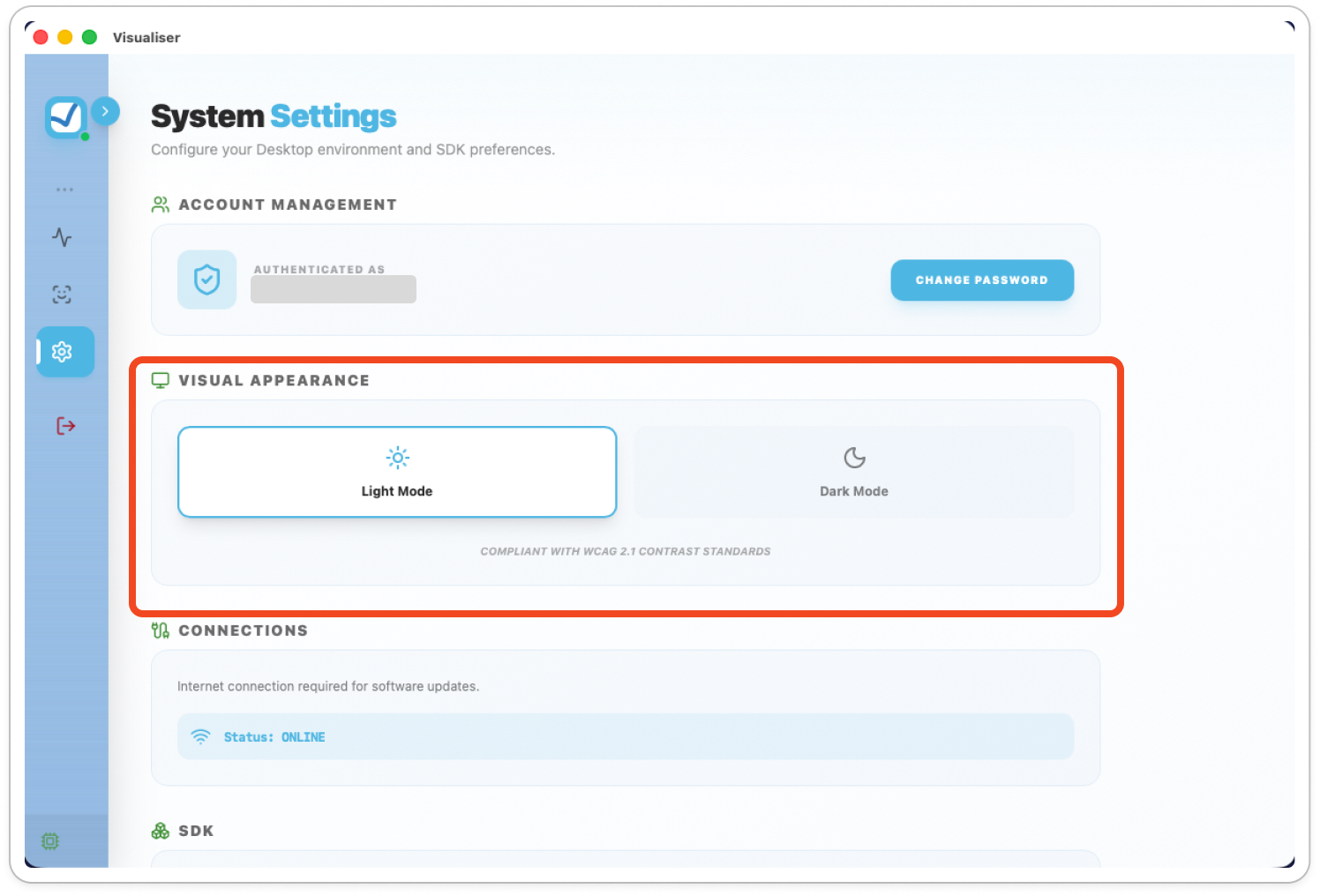
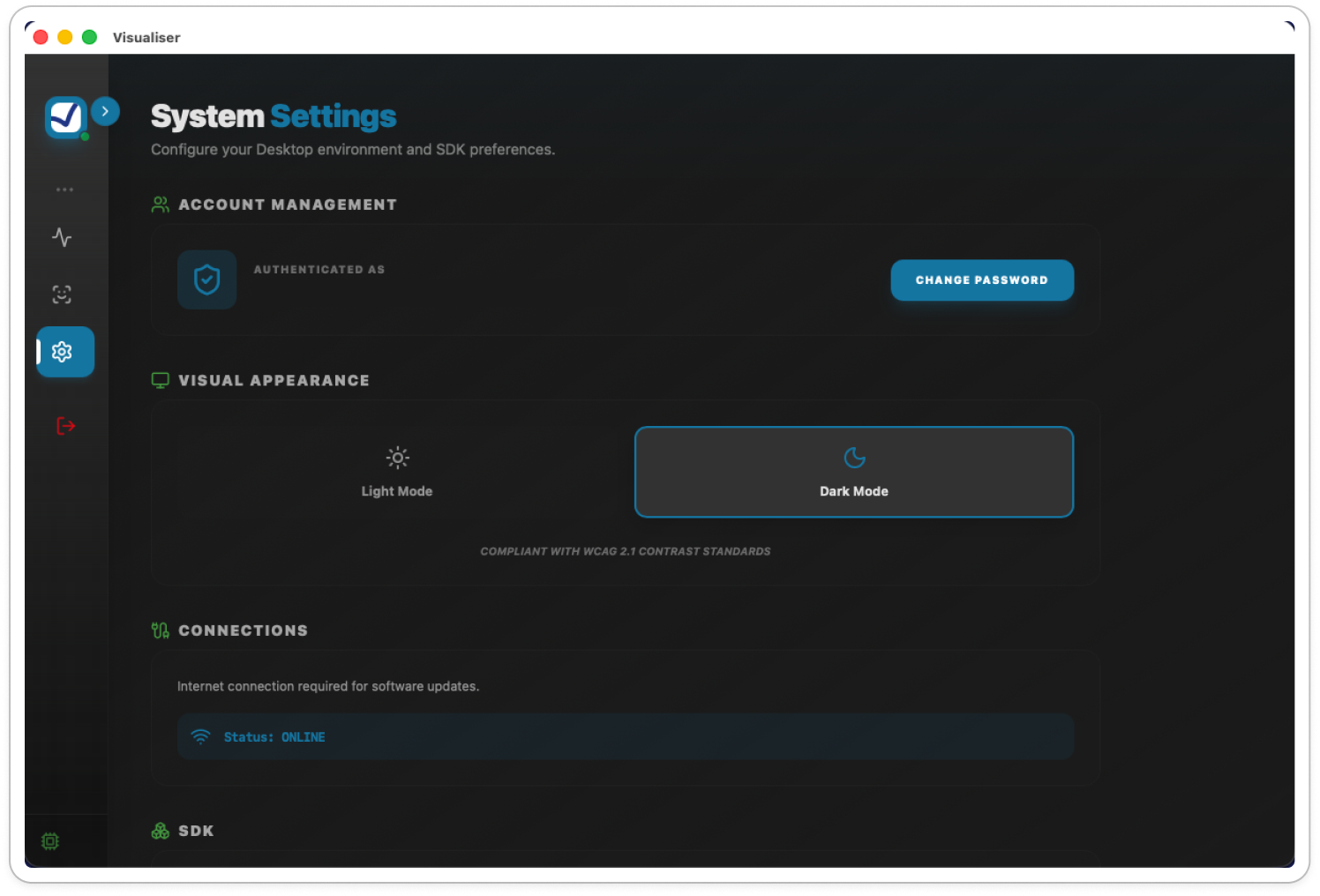
Visual Appearance: Toggle between Light Mode and Dark Mode.
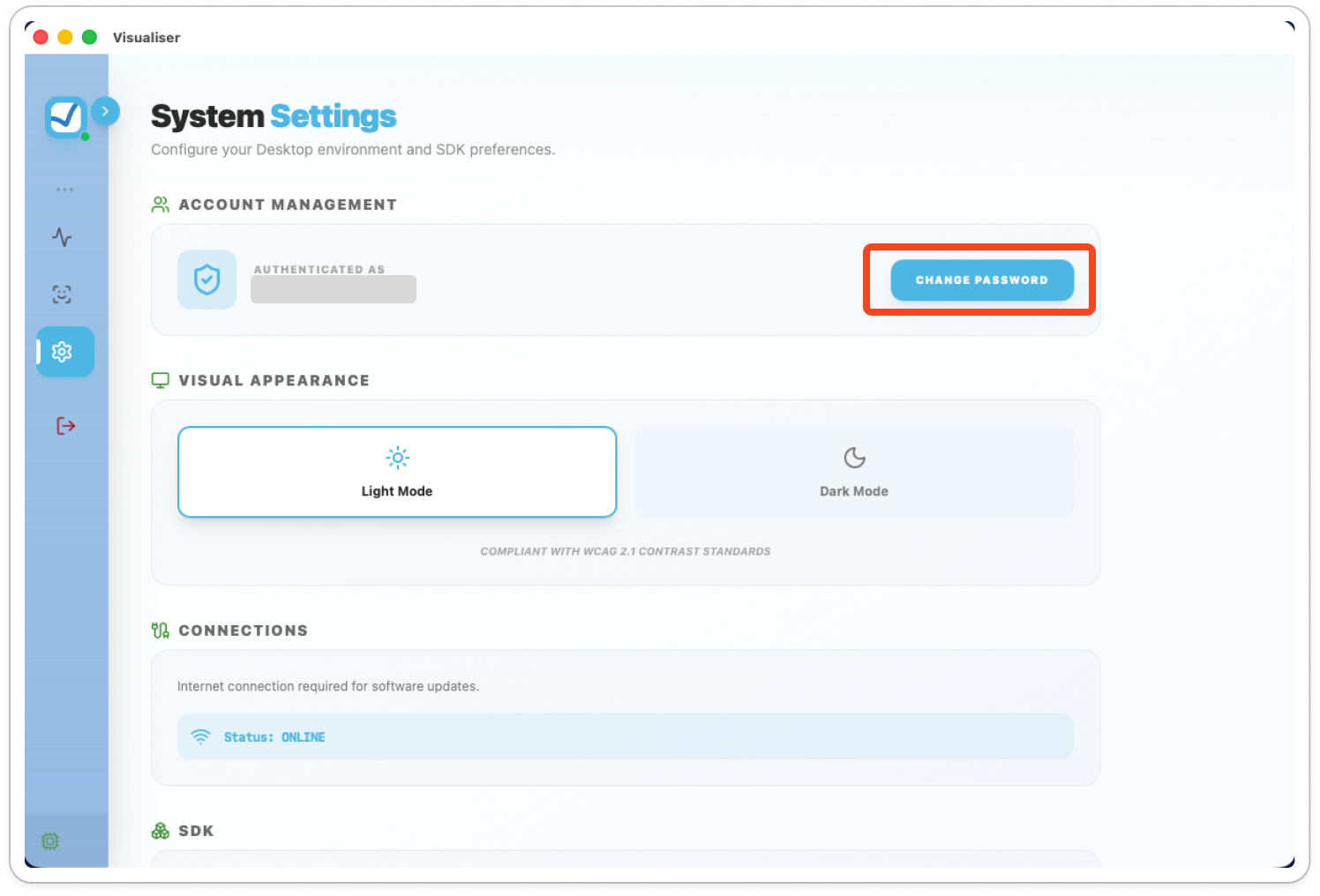
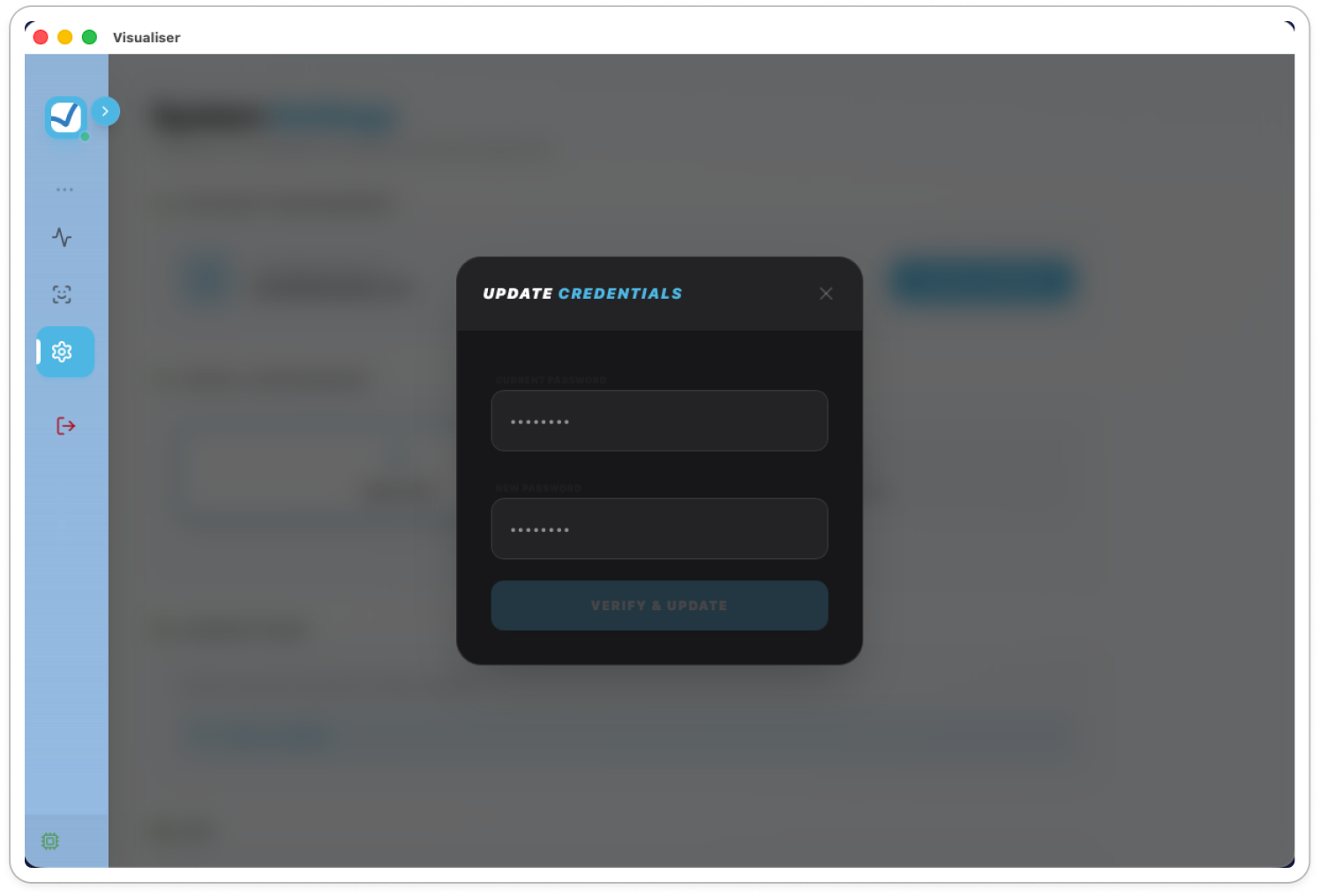
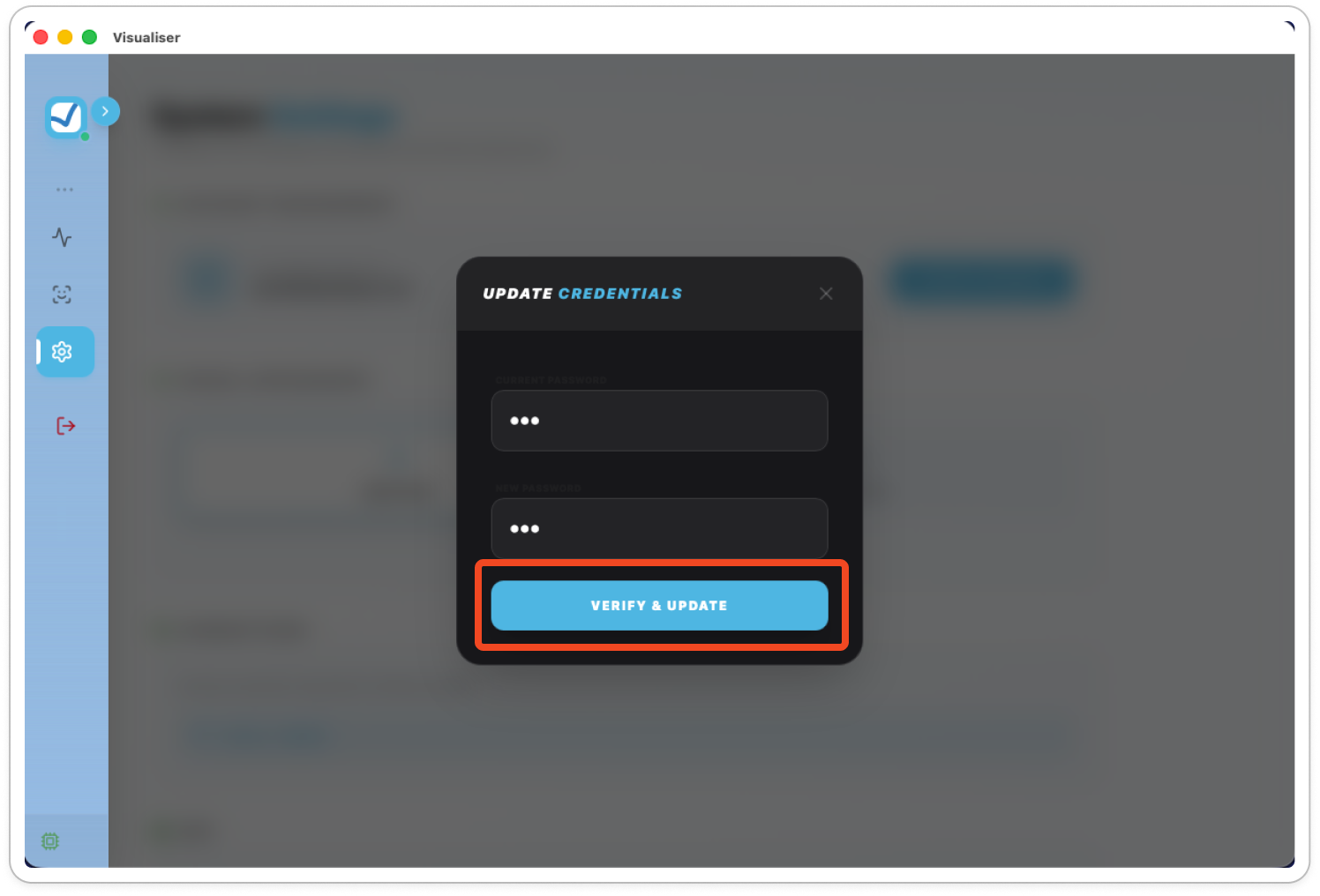
Account Management: Change your password by clicking Change Password and verifying your new credentials.
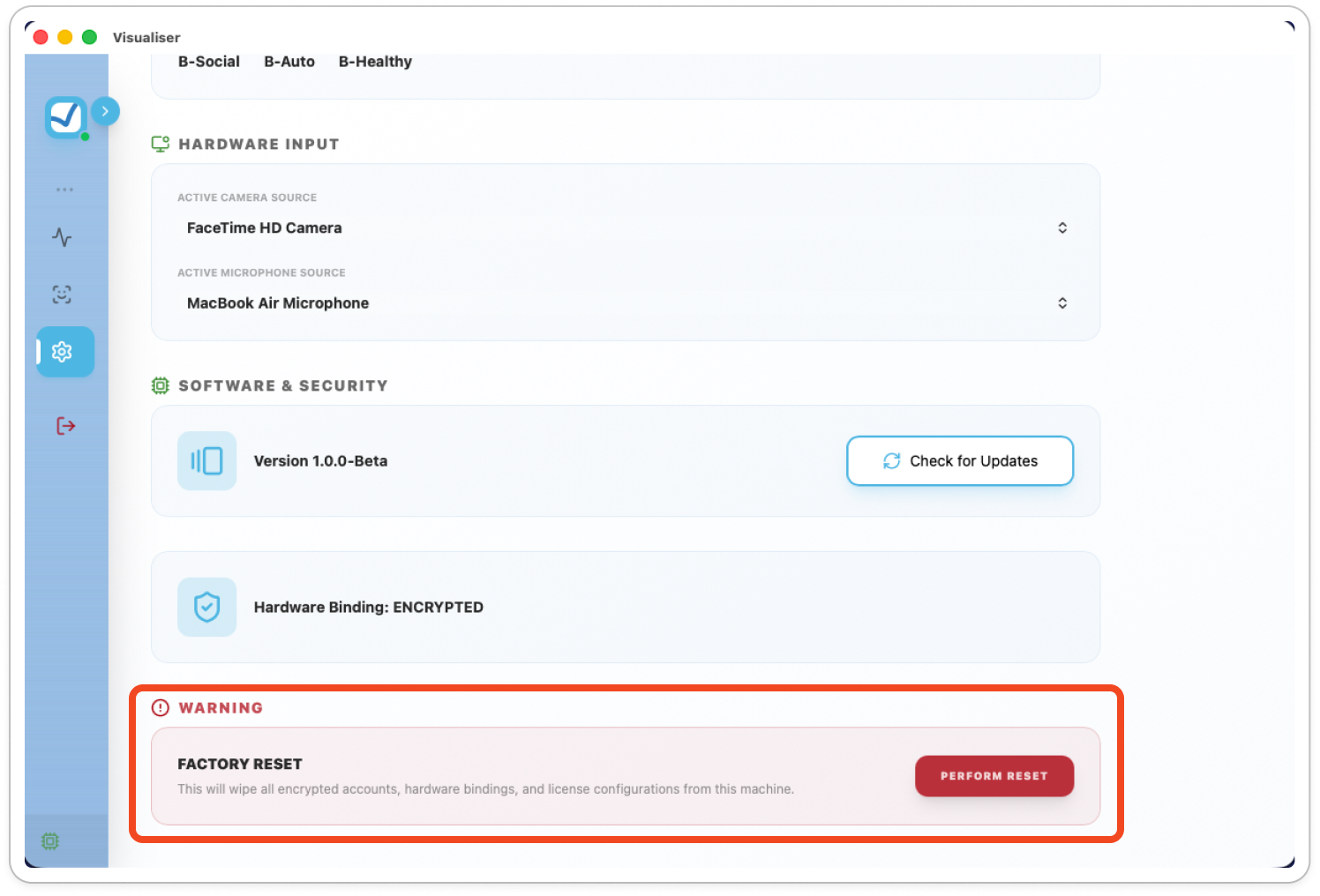
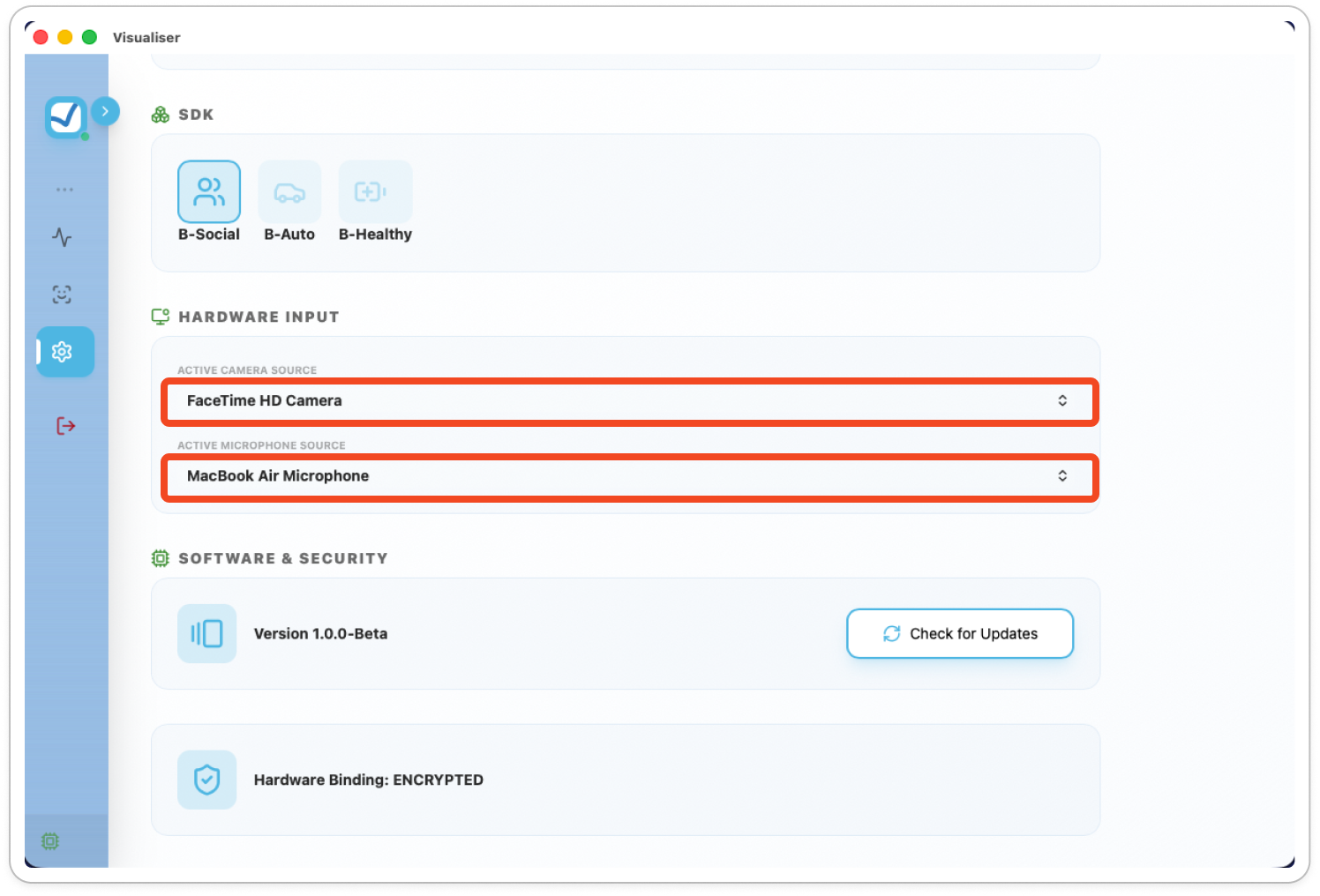
Hardware Input: Select your preferred Camera Source or Microphone from the dropdown menus.
Factory Reset: Use this button to clear all system data and accounts.
This action cannot be undone and will delete all registered users.